Printr Bundler: Launch Your memecoin with Multiple Wallets
Using a Printr Bundler for Solana is one of the smartest ways to run a clean launch. You lock out sniper bots, distribute token across multiple wallets from the start, and protect your community from a potential dump.
All of this happens in one click and takes less than 5 minutes. That’s why I put together this step-by-step guide on how to use the Printr Bundler from Smithii.
Prefer a video? Here it is:
What Is Printr Bundler Solana and How Does It Work?
A bundler is a tool that lets you launch while executing an instant buy transaction. The advantage: you can do it across multiple wallets, so the dev wallet won’t show up as a massive top holder. Instead, the token supply gets split across multiple wallets right from the first buy.
Here are some of the reasons it makes sense to use a bundler:
- You’ll be the first real buyer after launch. sniper bots will arrive after you, and there’s no way for them to know a token is about to drop and front-run your buy.
- You prevent a single wallet from sitting as a massive holder. Plenty of buyers will see the dev wallet holding more than 5% of supply and walk away.
- You can assign a role to each wallet and communicate that to your community. For example, you can designate one wallet as a treasury used to distribute rewards to holders.
Printr Bundler Solana: Quick Guide
To do a bundle buy on Printr Solana, just use the Printr Bundler SOL tool built by Smithii. Once you’re there, you’ll see an interface like this:
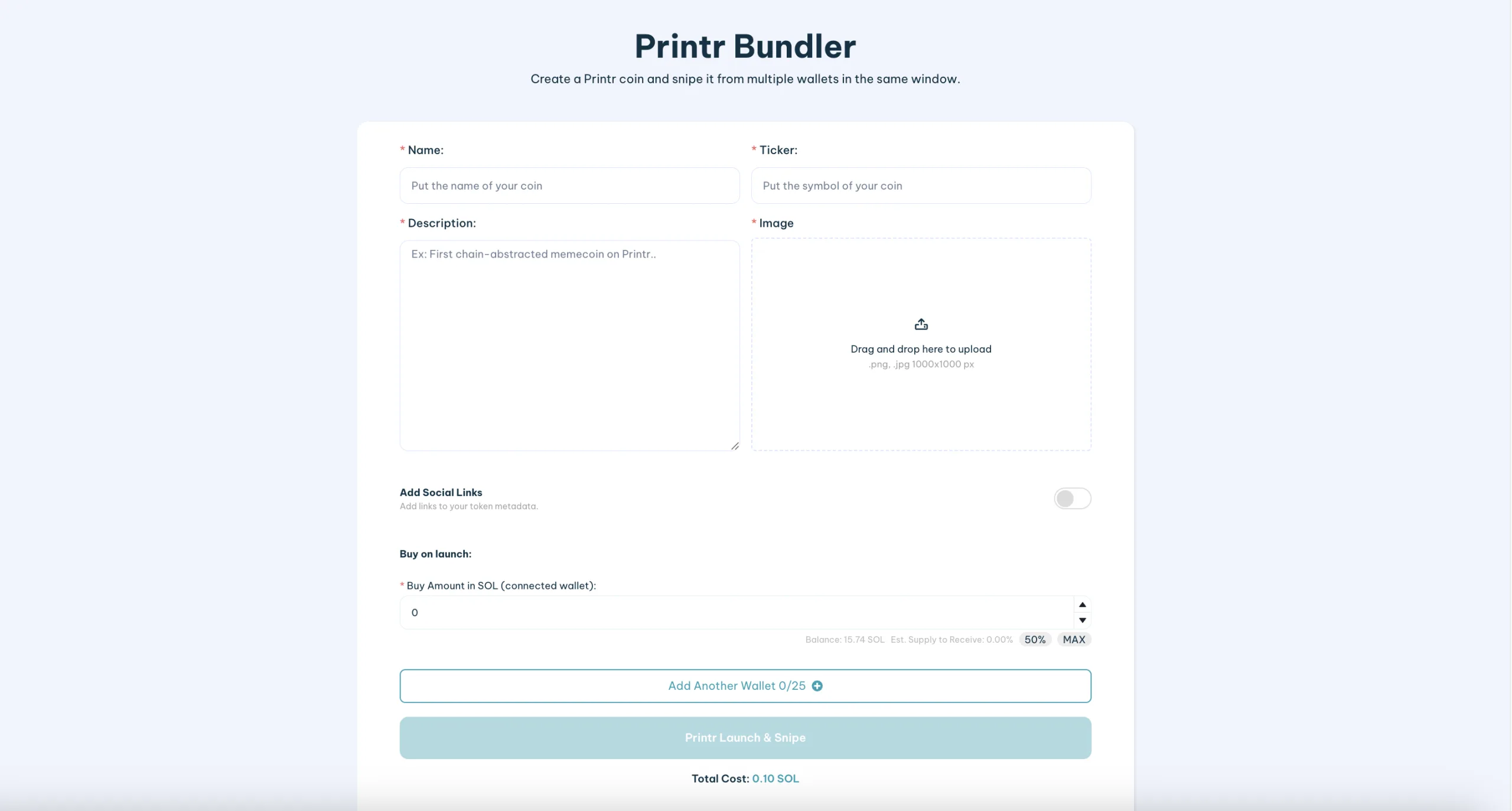
Once you’re there and have connected a wallet compatible with Solana, follow these steps:
- Fill in the token details: add the name, ticker, description, and image. Come to launch with as much information as you can (including social media links if you want).
- Add your wallets: you can include up to 25 (plus the connected wallet). Do this using the Private Key and specifying how much SOL you want to allocate to each buy.
- Click “Printr Bundle Launch”: once everything is set, this will open the transaction in your wallet.
- Sign the transaction and your memecoin will go live: it will include an initial buy distributed across the wallets you specified.
The cost to run a bundle with Smithii is 0.1 SOL + gas fees.
Is the Printr Solana Bundler from Smithii Safe?
At Smithii, we don’t store any data you provide, so the private keys of the wallets you input are never saved. Our tools have been audited and we’ve been running for over 3 years. Printr is one of many launchpads with tools available on our platform.
Either way, we recommend creating fresh wallets and funding them securely and privately to avoid being linked via bubble maps.
How to Keep Activity Going After Launch
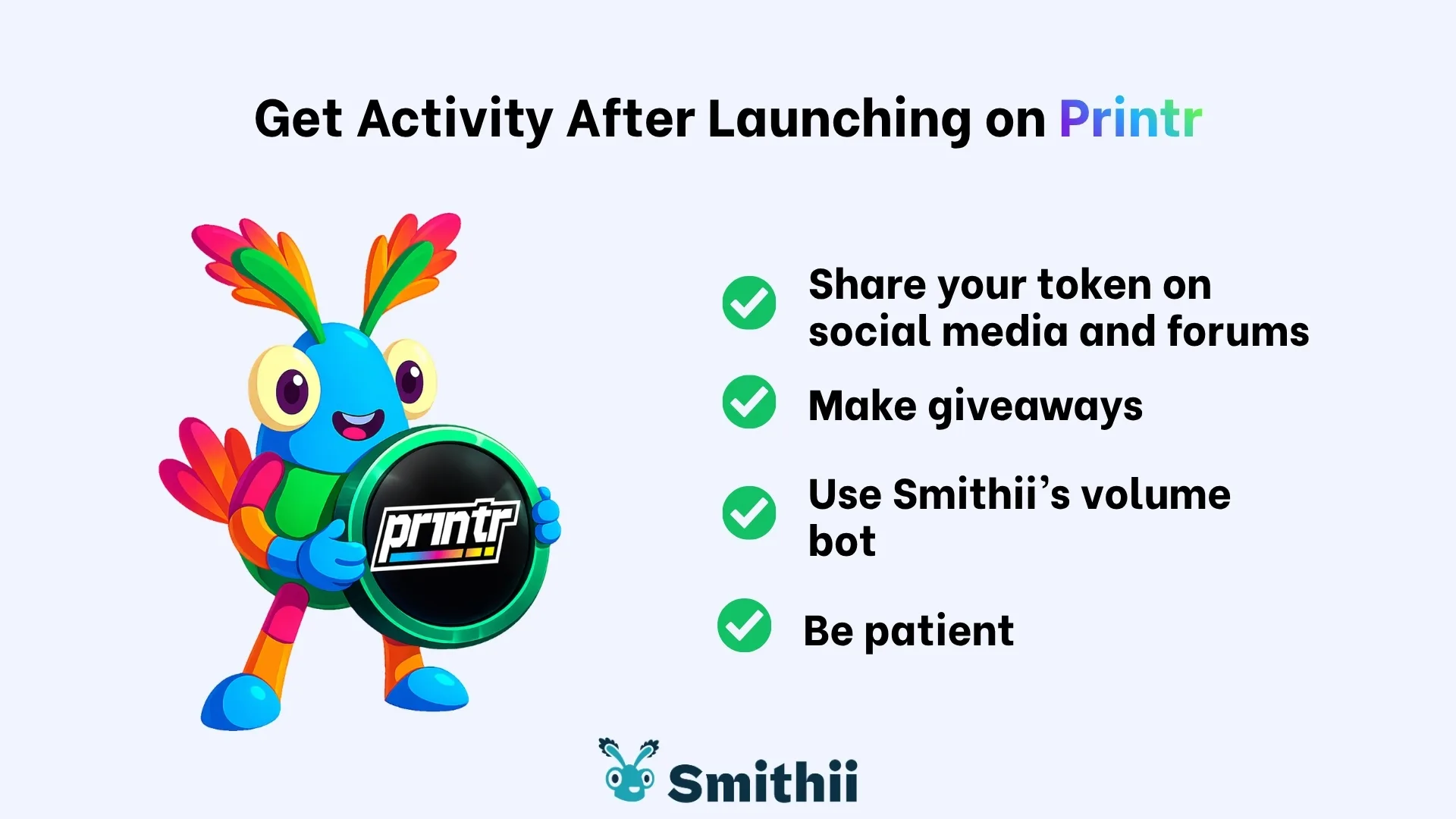
The Solana bundle gives you breathing room at launch, but it won’t sustain activity on its own. If you want to improve metrics like makers and volume on Printr Solana, the right move is to stage it: launch first using this bundler bot, then supplement organic activity with automated tools.
One solid option is pairing a volume bot for Printr Solana. Here’s a direct guide: Printr Solana Volume Bot.
Can I Do a Bundle Buy or Bundle Sell After Launch?
Yes, you can also run a bundle buy and bundle sell after launching your coin on Printr. This is possible with Smithii tools, which are also available in the Printr Zone. Here’s how to do a bundle buy after launch:

- Paste the Token Address: it must be a token that appears on Printr.
- Private keys for each wallet: you can add up to 25 wallets and specify the amount of SOL you want to use for the buy.
- Click “Bundle Buy”: then confirm the transaction in your wallet and multiple buys will execute in the same block.
The flat cost for both Bundle Buy and Bundle Sell is 0.1 SOL per use (the number of wallets doesn’t affect the price). If you want to use the Printr Bundle Sell, the process is almost identical, but you just choose the percentage of tokens you want to sell from each wallet.
Printr’s bundler bot shields you from MEV Bots and stops snipers from triggering the moment the first buy or sell hits.
FAQ
Using a bundler on Printr’s launchpad is straightforward. That said, we know from experience that users can run into a few questions early on. That’s why we’ve put together some of the most common ones and answered them in this section.
How many wallets should you use in a Printr bundle on Solana?
It depends on your distribution goals. The logic is to avoid heavy liquidity concentration at launch and assign wallets with clear purposes (operations, rewards, dev wallet… etc).
Can I create a meme coin directly on Printr?
Yes, and you can also make an initial buy (but only with one wallet). If you want to see how it works, check our guide to launching a meme coin on Printr.
Does Printr’s SOL Bundler fully block sniper bots?
sniper bots won’t disappear entirely, but they’ll most likely be discouraged from buying into your token. This tool lets you bundle the launch with an immediate buy and puts you in a stronger position against bots racing for the first buy.
Conclusion
The Printr Bundler Solana is a practical way to launch your memecoin on Printr using the Solana network, with a distributed immediate buy spread across multiple wallets for a more controlled launch that’s less exposed to snipers.
If you need to boost activity signals down the line, pair it with specialized tools (like the volume bot) to grow your visibility without losing organic traffic.
If you’re looking to explore more pro tools and stay on top of the latest updates, visit our blog and subscribe to the newsletter below.