The Ultimate Guide for Devs on Polygon: No-Code Tools

Follow our complete guide: from tokenomics and wallets to liquidity pools and airdrops.
Your token project on Polygon, start to finish
No prior experience needed. We walk you through the whole process, from designing your tokenomics to listing your token on an exchange and getting investors to buy in.

What you’ll find in this complete guide
- Getting ready to build a token or meme coin on Polygon: From the first idea to a solid plan.
- Create a token on Polygon: Use tools that make creation simple, no dev skills required.
- Pre-launching your token on Polygon: Marketing strategies and tools to build hype and prep future investors.
- Creating Liquidity Pool on Uniswap: How to set up and manage a liquidity pool on Uniswap, plus strategy tips.
- Post-launch and promoting your token project on Polygon: Tactics to sustain and grow your token’s value, including airdrops and listings on popular platforms.
Why Polygon?
Right now, the Polygon blockchain is a solid place to create and launch your own token. That comes down to the low fees and lower congestion it offers as an ERC20 layer 2 blockchain.
By inheriting ERC20’s security guarantees, Polygon becomes an ecosystem worth exploring, even with a smaller user base than other blockchains.
Key tools for every phase of a token project on Polygon
For every key need in launching a token project on polygon, there’s a Smithii tool built to handle it. The main challenge on Polygon and across the crypto ecosystem is that launching your project requires advanced programming skills to write a smart contract in Solidity (a programming language built specifically for ERC20).
Most people interested in Web3 end up stuck as users instead of builders because of the technical requirements. But the Smithii Tool Suite was built to simplify those complex processes, letting you create tokens on Polygon with zero coding required. We walk you through it step by step and show you how to use them.

1. Getting ready: wallet and tokenomics
Pick a wallet and plan your tokenomics
You need a wallet, which is the address that lets you interact with digital assets on the blockchain. Creating one is free, simple, and intuitive, but you’ll have to pick which one to use. The most popular option is Metamask’s wallet, and it’s a solid starting point if you don’t have one yet. After that, before moving forward with creating the token, you need to think carefully about its economics (tokenomics).
What are tokenomics?
Tokenomics, a mashup of ‘token‘ and ‘economics‘, refers to the economic model behind a token. It covers things like creation, distribution, supply and demand, incentive mechanisms, and burn programs.
Solid tokenomics are key to your project’s success. They give you the foundation to scale long-term and help attract investors.

How to design your tokenomics
Good tokenomics can make the difference between success and failure for a token project on Polygon. Use our tokenomics calculator and stop flying blind.
By the way, the face you see in the tokenomics image is Jorge, our CEO & Founder. We’re a fully doxxed team, and we know that delivering quality and transparency in the crypto space is the kind of added value that makes thousands of people pick us every day.
On top of that, all our online tools are audited, fully secure, and backed by a support team available 24/7/365
2. How tokens work on Polygon
What is a Layer 2 token ERC20?
ERC20 stands for Ethereum Request for Comment, and 20 is its identifier. It’s the standard protocol for creating fungible tokens (transferable assets) on Ethereum and other EVM-compatible blockchains (Ethereum Virtual Machine), like Polygon. Polygon was built around the EVM’s parameters, but since it isn’t Ethereum’s mainnet, it’s known as a second-layer blockchain for Ethereum, and its tokens are known as ERC20 Layer 2 tokens.
How much does it cost to create a token on Polygon?
To create a token on Polygon you need to deploy a smart contract, basically code that lives on the blockchain as the foundation of a specific digital asset, in this case a token. Behind the token there’s a smart contract, and you need coding skills to build it.
Hiring a developer to create a smart contract is expensive, usually more than 200 USD. That’s why the online solutions offered by Smithii’s tool suite make the crypto space more accessible, letting anyone with zero coding skills create their own token for just 900 POL.
In short, the dApp we’re going to use is called Polygon Token Creator. It works as a smart contract generator and costs just 900 POL.

Create a token on Polygon
Whatever your project is, you’ll need to start by creating a token on Polygon. It’s the first step into the crypto space, and this guide walks you through it in a simple way.

How to create a meme coin on Polygon
Even though it’s a Layer 2 token ERC20, you need to understand its specific mechanics, how the network behaves, and the key details that make the difference when launching a successful meme coin on Polygon.
Whichever option you pick, you’ll end up with your token or Polygon’s meme coin created and ready in your wallet.
Keep in mind that creating a meme coin on Polygon is the same as creating any token. The only difference is the humorous nature of the token meme; the creation process itself doesn’t change.

3. Pre-launching your token on Polygon
What to consider before opening a liquidity pool
Creating a Liquidity Pool on a decentralized exchange (DEX) is the goal, but there are several strategic plays worth mapping out if you want to build hype around your token. Community building is key here: X (Twitter), Discord, Telegram; promoting your token on social platforms like YouTube; and running campaigns with ads, X ambassadors, YouTube influencers, and articles on relevant crypto sites. The list of possible plays is nearly endless.
The goal is simple: drive interest in your token and generate buy pressure when you launch it on the liquidity pool.
So far we’ve covered off-chain strategies, but you also have on-chain tools to promote your token. Here, dApps like Polygon Multisender for launching airdrops become especially useful.
How to run a airdrop of token on Polygon
As we mentioned, on top of the marketing work behind your project, a airdrop on Polygon is a way to promote your token or meme coin:

Snapshot Tool on Polygon
Find the wallets holding a specific token and target the audience most likely to care about an airdrop of your own token.

Polygon Multisender
Send your token of Polygon or meme coin to multiple wallets at once to gain visibility and expand your reach.

4. Liquidity pools on Uniswap
How a liquidity pool works for a token on Polygon
A liquidity pool hosted on a decentralized exchange like Uniswap is the most widely used option within the Polygon ecosystem. Uniswap is a decentralized exchange (DEX) that follows EVM standards (Ethereum Virtual Machine), so you can create a liquidity pool for any token ERC20 Layer 2.
Once a token is live in a liquidity pool on a DEX, any user can buy and sell it.
Liquidity pools on Uniswap with Smithii
A liquidity pool is a capital pool set up by the developers of a token so users can buy and sell that token at any time.
This liquidity pool is configured with a token pair, combining the token in question with another asset that holds established value, like $USDC or $WETH. These token pairs are deposited on a DeFi platform like Uniswap to make swaps possible.
That way, any user can buy tokens from this liquidity pool by depositing another token with established value. Likewise, any user can sell tokens by depositing them into the liquidity pool and receiving another token with established value in return.

How to create a liquidity pool on Uniswap
Pair your token with a token that has backing value (WETH or USDC), create the liquidity pool, and list it on Uniswap in just a few steps. No hassle, no code required.
Bots and whales: what you need to know about liquidity pools on Polygon
One of the most important things to watch when launching a new liquidity pool for a token on Polygon is sniper bots and whales. If you don’t take precautions, they can drain your liquidity (known as a token exploit) and ruin the launch you’ve spent so long preparing. Here’s what you need to know:
Let’s break down how bots and whales behave on Ethereum. Since it runs on the same ERC20 protocol, this applies to any ERC20 layer 2 blockchain like Polygon.

Bots and whales on Ethereum
Get a clear picture of how sniper bots operate on Ethereum and how whales behave, so you can make the calls that decide whether a project succeeds or fails.

Guide to bots on Ethereum
Learn how the complex bot ecosystem on Ethereum actually works and why understanding it is critical when planning your liquidity pool launch and deciding which protections to put in place.
Now that you’ve got the basics on bots and whales on Ethereum down, take a look at the online tools Smithii gives you to strengthen your position against automated bot threats and the financial firepower of whales:

Anti-Bot mechanism for Polygon
How to block snipe and bot trading on your token inside the Uniswap Liquidity Pool. If you’re tired of bots, or you just want to limit their activity, this is what you need to know.

Anti-Whale mechanism for Polygon
Learn how to prevent pump and dump on your token on Polygon by managing the behavior of big holders, or whales, who can manipulate market prices.

5. Post-launch and promotion of your token project on polygon
Promote my Liquidity Pool on Polygon
At this stage, you need to double down on the marketing you ran during the pre-launch, like keeping your airdrops active. You’ve also got extra levers to pull, like listing your Liquidity Pool on Coinmarketcap and Coingecko, two platforms where thousands of users can discover your token.

Why run airdrops?
Go over the key concepts and the fundamentals behind airdrops with this guide, so you understand them better and run them as effectively as possible.

How to list on Coinmarketcap
Follow this guide to list your token or meme coin from Polygon on Coinmarketcap.

How to list on Coingecko
In this article we show you how to list your token or meme coin from Polygon on Coingecko.
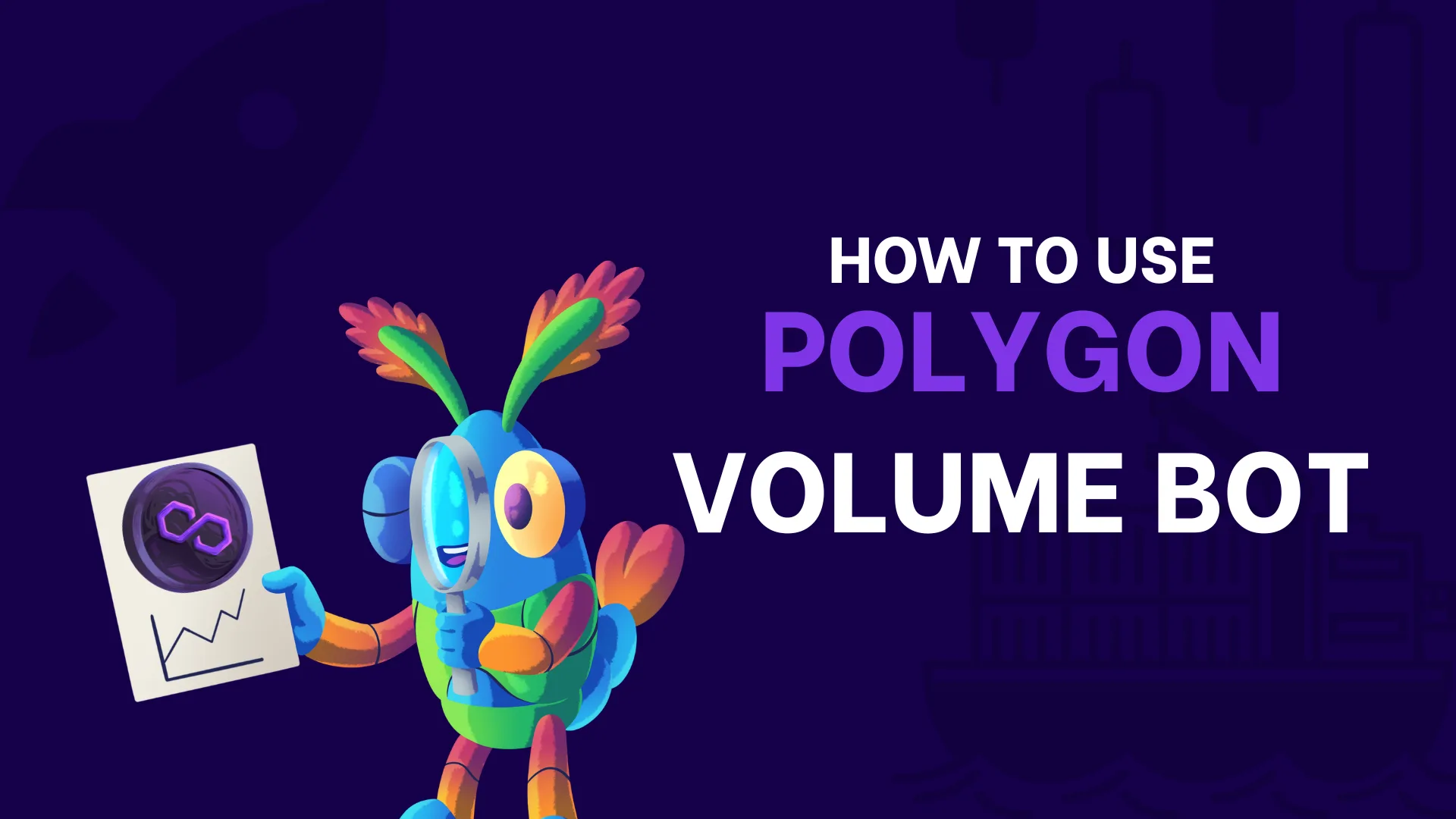
Use a Volume Bot on Polygon
In this guide we show you how to use a volume bot on the Polygon network to boost your token without writing a single line of code.

Key takeaways from this guide on tokens on Polygon
Your token project on Polygon, ready for takeoff
Congrats on making it to the end of this guide! You now have everything you need to create and launch a token or meme coin on Polygon. You’ve learned why planning matters, how to create your token with zero technical friction, and the key strategies behind a successful launch.
Along the way, you’ve seen guides using online tools for different needs, from creating the token to its liquidity pool. All of these dApp are available in the smithii tools suite, built so anyone, with no prior experience, can be part of the blockchain ecosystem not just as a spectator or investor, but as the owner of their own project.
Why use the Smithii tools
- Simple, intuitive interface.
- Low costs.
- Use the tools online, on your own and with no signup.
- A full set of tools to manage everything from one place.
- Step-by-step guides and video tutorials.
- 100% doxxed team.
- 24/7/365 support. Check out our reviews.
Become another Smithii Chad
You’ve made it this far and you may have already used one of our online tools. All that’s left is to invite you to join our community on X, Telegram, Discord, or our Newsletter. You’ll find the links in the page footer.
We’re growing nonstop and we stay on top of everything moving in the crypto ecosystem. Don’t miss a thing.