

Best BNB Chain Wallets in 2026: Which to Pick and Which Ones Work with Smithii Tools
Picking the best BNB Chain wallets comes down less to a ranking and more to what you’re actually doing on the network. Holding BNB for the long haul isn’t the same as trading daily on PancakeSwap or launching your own BEP-20 token, and not every wallet plays equally well with the dApps and tools you’ll end up using.
In this guide I walk through eight wallets that work on BNB Chain, with what each one brings to the table and when it’s the right fit, a comparison chart, and which ones you can connect to Smithii Tools if your goal is to create and manage a token. Let’s get into it.
What a Good wallet for BNB Chain Should Have
BNB Chain, the network many still call BSC or Binance Smart Chain, is EVM-compatible. That means any wallet built for Ethereum can work here and your address stays the same across both networks. What changes is the token you pay gas with, which here is BNB.
From there, what sets a smooth wallet apart from one that gets in your way comes down to four specific things.
- Native BNB Chain support: the network is built in, so you don’t have to add an RPC by hand.
- dApp connectivity: browser extension or mobile connection for PancakeSwap, Four.meme, or whatever tools you use.
- Security model: seed phrase, MPC, or support for a hardware wallet for funds that matter.
- Warnings before signing: transaction simulation or risk alerts, which really help on a network where new tokens show up every day.
If you’re planning to launch or manage a token, there’s a fifth criterion that matters just as much as the rest. Your wallet needs to connect to the tools you use to deploy the contract, open liquidity, and distribute the airdrop, because switching wallet mid-launch forces you to move funds and permissions from one address to another.
The best BNB Chain wallets in 2026
These are the eight options that make the most sense today on BNB Chain. For each one you get the pros and cons, plus whether it’s compatible with Smithii Tools.
1. MetaMask
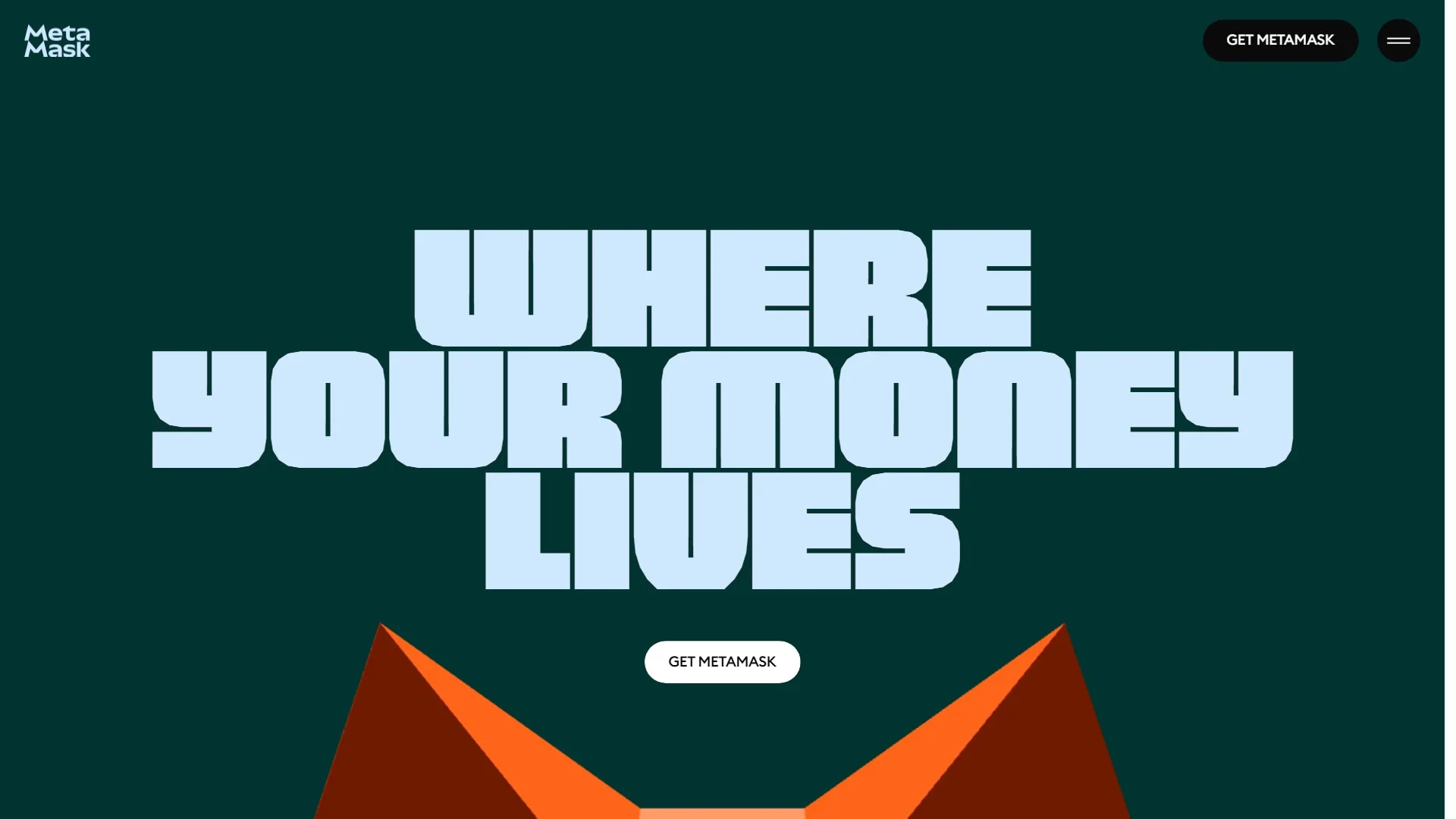
MetaMask is the go-to wallet for the EVM ecosystem and the one virtually every dApp on BNB Chain recognizes. It’s available as a browser extension and a mobile app, and BNB Chain shows up among its popular networks, so you can enable it in a couple of clicks.
Its strength is compatibility. It also supports Ledger and other hardware wallets, so you can use it as a front end to operate with funds you keep in cold storage. It’s one of the wallets compatible with Smithii Tools, both in the extension and the app.
Pros
- Virtually every dApp on BNB Chain recognizes it.
- BNB Chain is enabled from the popular networks list, no RPC setup needed.
- Works with Ledger and other hardware wallets.
Cons
- Being the most used also makes it the most impersonated by fake extensions and sites.
- Swaps done inside wallet itself carry a service fee.
- Lose the seed phrase and you lose access to your funds.
2. Trust Wallet
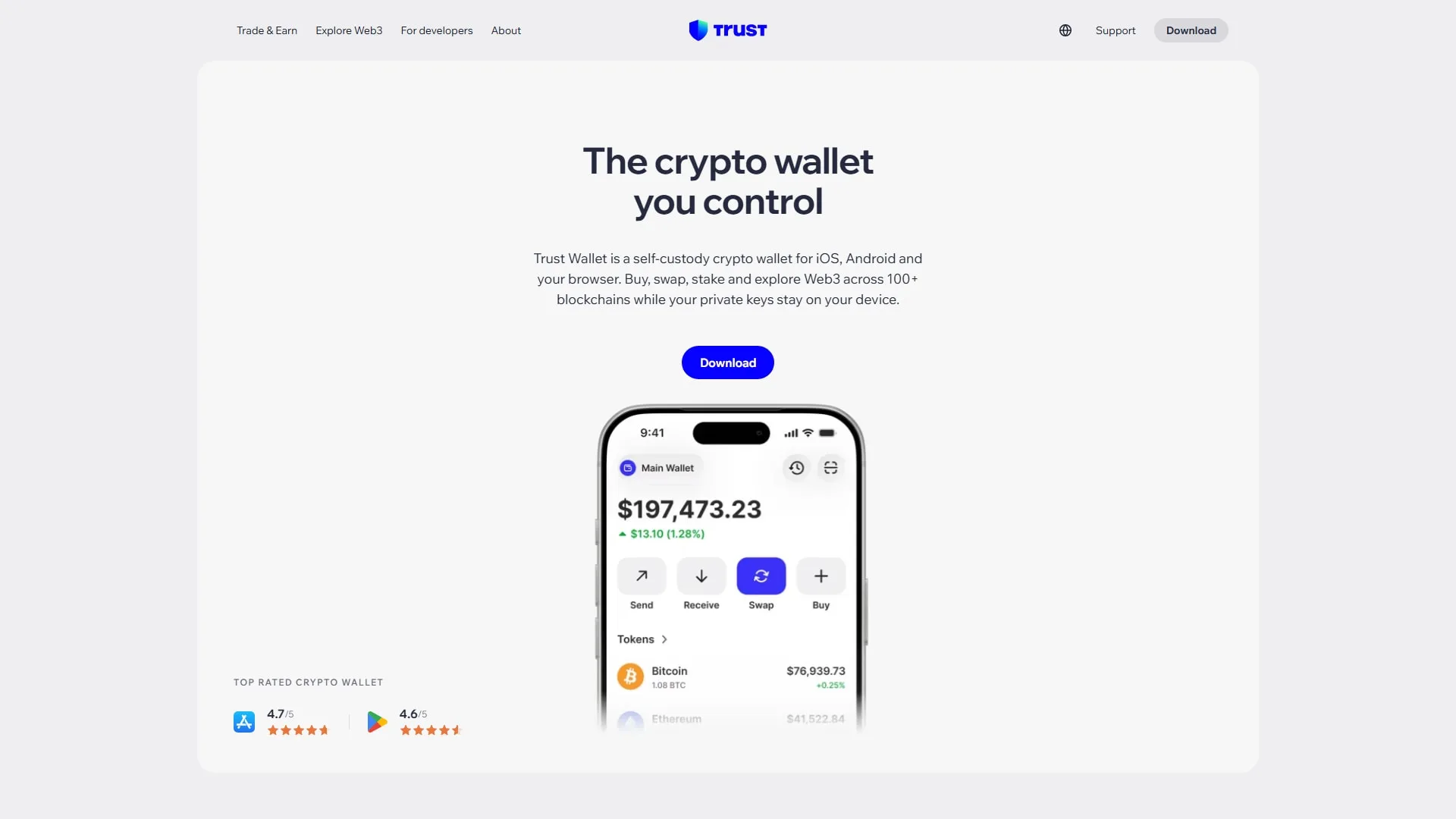
Trust Wallet has been part of the Binance ecosystem since it was acquired in 2018, and it shows in the BNB Chain integration, which comes set up out of the box. It’s primarily a mobile wallet, though it also has a browser extension, and it covers plenty of other networks besides BNB.
It fits if you do almost everything from your phone and want to buy, hold, and move BEP-20 tokens without extra steps. It’s one of the wallets compatible with Smithii Tools, and on mobile the selector opens the app directly.
Pros
- BNB Chain comes set up out of the box.
- Built for mobile, with an integrated dApp browser.
- Covers many networks beyond BNB Chain from the same app.
Cons
- The extension has fewer advanced features than Rabby or MetaMask.
- In-app swaps come with a fee.
- The seed phrase is your only backup.
3. Binance Wallet
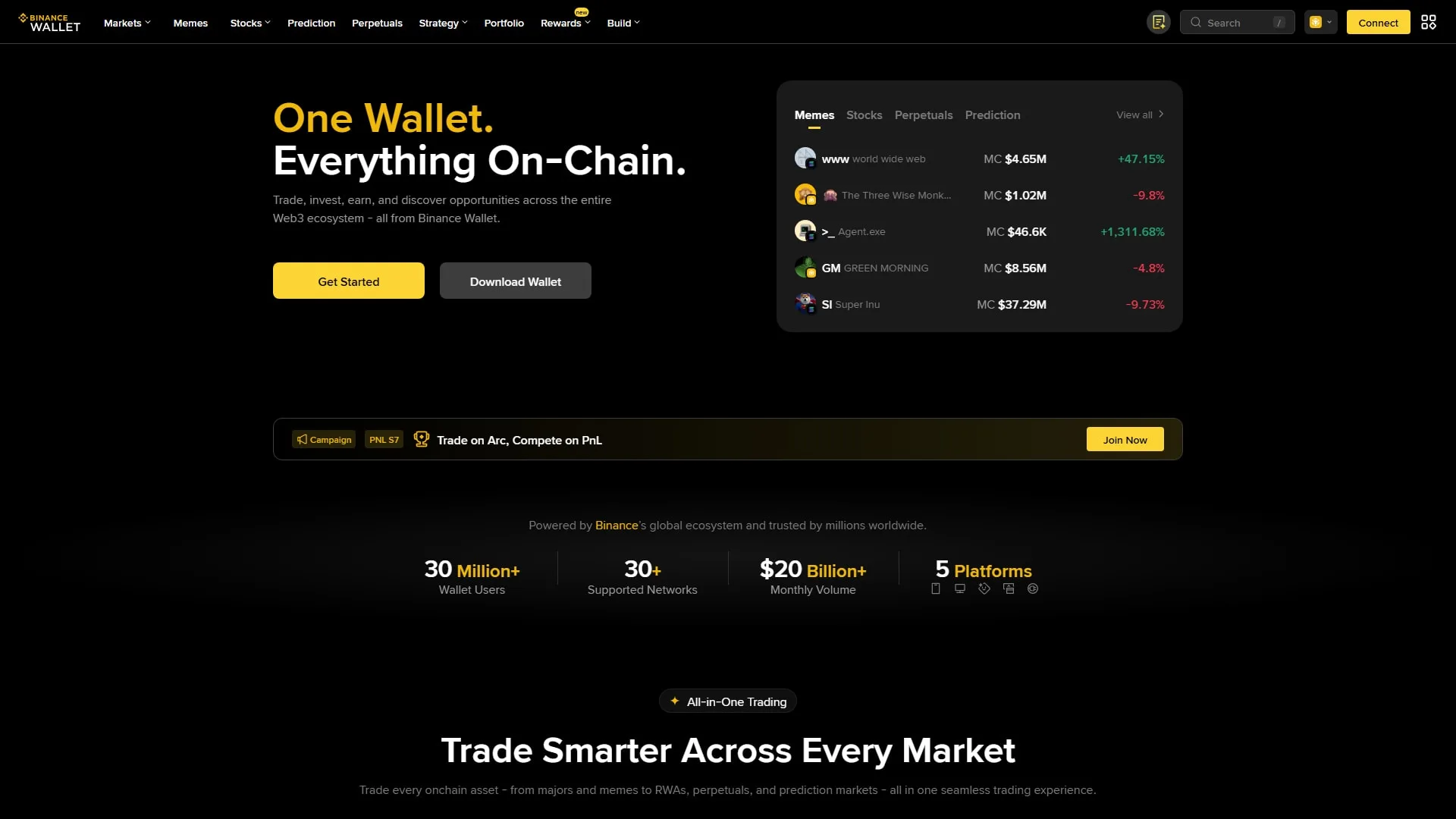
Binance Wallet is the self-custody wallet built by Binance, baked into the exchange app and also available as a Chrome extension. It uses MPC technology with no seed phrase, splitting the key into three fragments stored separately, and works across EVM networks, Solana and TRON.
It makes sense if you already use Binance and want to move funds from the exchange onto the chain with zero friction. Before picking it, think about its recovery model, which is different from a classic seed phrase setup.
Pros
- No seed phrase to store thanks to MPC technology.
- Move funds between your Binance account and the chain without friction.
- Works on EVM networks, Solana and TRON.
Cons
- It doesn’t show up in the Smithii Tools wallet selector.
- Recovery relies on its MPC model instead of a standard seed phrase.
- The extension is only available for Chrome.
4. OKX Wallet
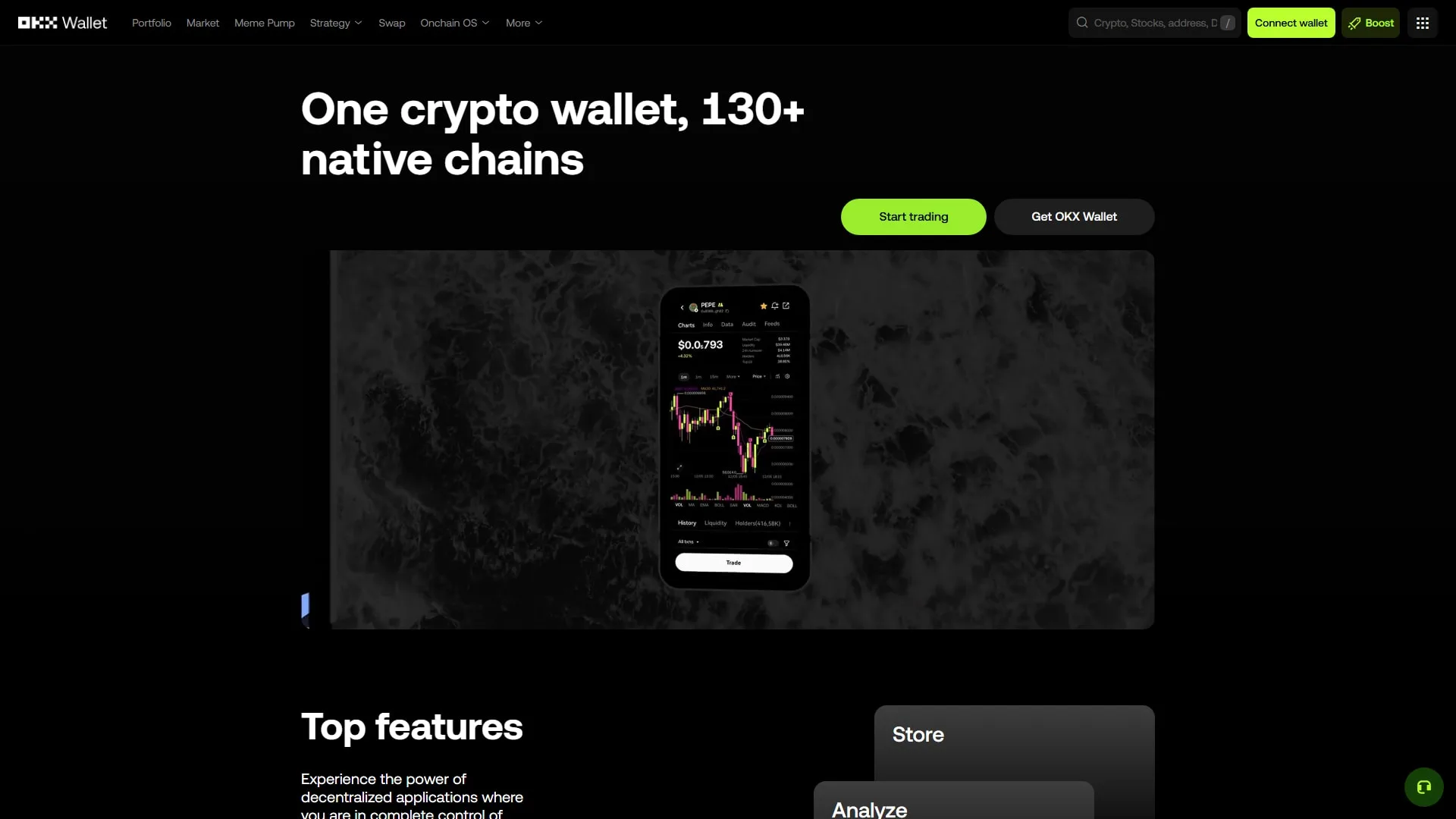
OKX Wallet is a multichain wallet with both extension and app that covers EVM, Solana and plenty of other networks from the same interface. It includes a swap aggregator and a dApp browser, so you can operate on BNB Chain without leaving it.
It’s handy if you switch between BNB Chain and Solana, since a single install covers both. It’s one of the wallets compatible with Smithii Tools, both on BNB Chain and Solana.
Pros
- Covers BNB Chain and Solana with a single install.
- Includes a swap aggregator inside the wallet.
- Comes with a dApp browser so you can operate without leaving it.
Cons
- The interface packs a lot of features and can feel overwhelming if you just want to hold funds.
- It’s tied to a specific exchange ecosystem.
- Your seed phrase is your only backup.
5. Rabby
Rabby is built for people who use DeFi every day. Before each signature it simulates the transaction and shows you which tokens leave your wallet, which approvals you’re granting, and how your balance changes. It also detects which network the dApp is on and switches networks for you.
On BNB Chain, that simulation is a seriously useful layer of protection against malicious approvals, and since it supports Ledger, it works just as well for signing with a hardware wallet. It’s one of the wallets compatible with Smithii Tools.
Pros
- Simulates every transaction before you sign it.
- Switches networks automatically based on the dApp.
- Supports Ledger and lets you review active approvals.
Cons
- EVM-only, so it won’t work for Solana.
- Its mobile app is newer than the extension.
- Less well-known than MetaMask, and some dApp tutorials don’t mention it.
6. SafePal
SafePal combines a mobile app, extension, and its own hardware wallets, backed by Binance Labs since day one. It supports BNB Chain natively and is an affordable option if you want to keep funds in cold storage.
It’s a solid pick for anyone who wants software and hardware from the same brand, with the app as the control center.
Pros
- Software and hardware wallet from the same brand.
- Its hardware is an affordable option for cold storage.
- BNB Chain is supported natively.
Cons
- Doesn’t show up in the Smithii Tools wallet selector.
- Its hardware signs via QR codes, which is a bit slower for everyday use.
- Fewer dApp integrations than Ledger.
7. Coinbase Wallet
Coinbase Wallet is Coinbase’s self-custody wallet, separate from your exchange account. After running for a year as Base App, in September 2026 it reclaimed its original name and refocused on multichain trading. It works on BNB Chain just like any other EVM network.
It’s a solid pick if you already use Coinbase and prefer to keep your wallet and the exchange under one roof. It’s one of the wallets supported by Smithii Tools.
Pros
- Self-custody and fully separate from your Coinbase account.
- Makes it easy to move funds between the exchange and the wallet.
- Available as a browser extension and a mobile app.
Cons
- The rebrand to Base App and back can be confusing.
- It leans more toward Base and Ethereum than BNB Chain.
- The seed phrase is your only backup.
8. Ledger
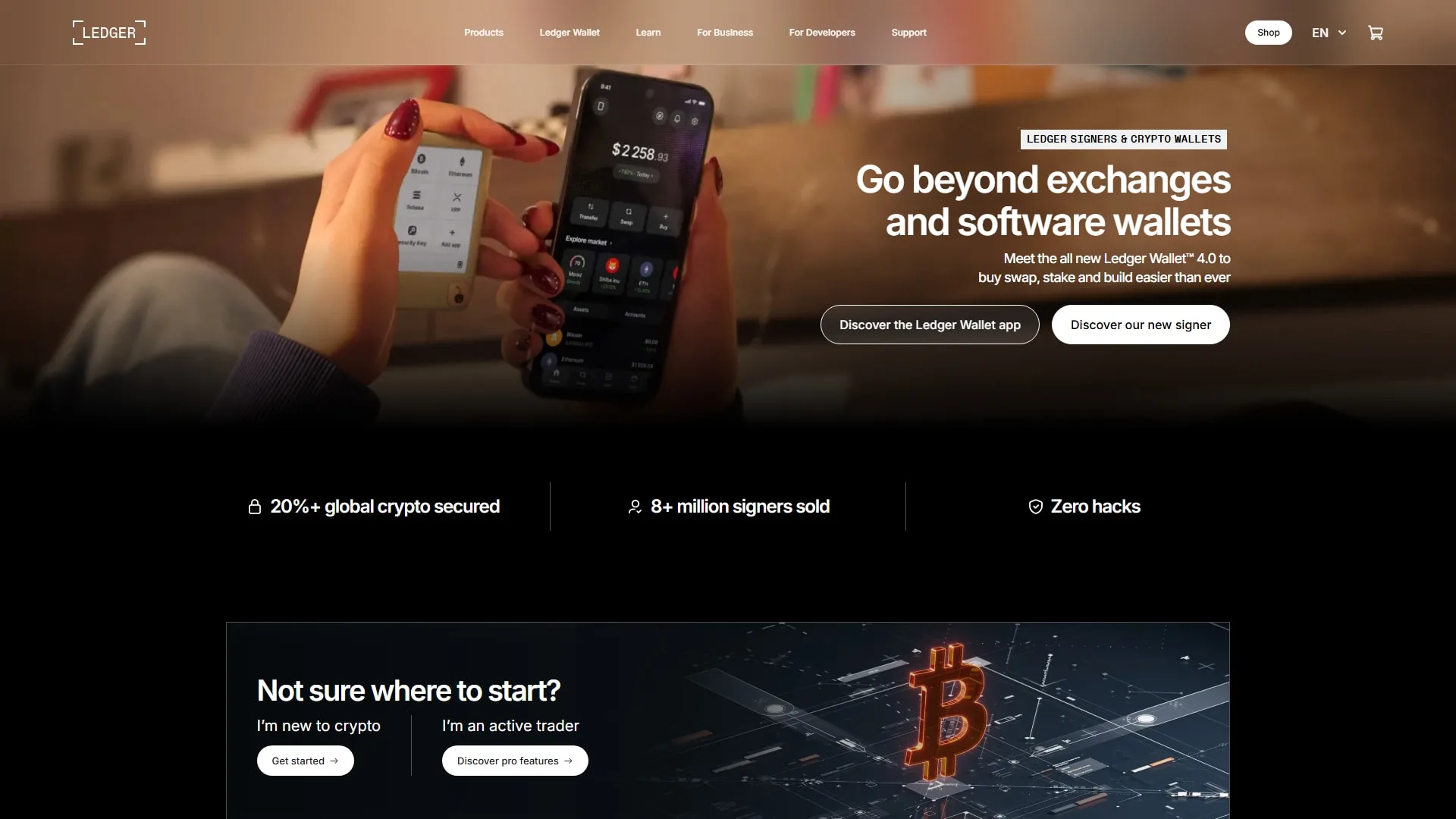
Ledger is the best-known hardware wallet and the obvious choice to safeguard a project’s treasury or any amount you don’t want to put at risk. The keys never leave the device, and every transaction is confirmed physically on it.
To use it on BNB Chain, the usual setup is to pair it with MetaMask or Rabby, which act as the interface while signing stays on the device. It shows up among the wallets supported by Smithii Tools, and the most direct way to use it is through MetaMask or Rabby.
Pros
- The keys never leave the device.
- Every transaction is physically confirmed.
- Works with MetaMask and Rabby as the interface, and with Ledger Live to manage BNB.
Cons
- You have to buy the device.
- Day-to-day use is slower than with a hot wallet.
- You need to store its 24-word recovery phrase somewhere safe.
Outside this list, Rainbow also works on BNB Chain and is among the wallets supported by Smithii Tools.
Wallet comparison for BNB Chain
The table sums up each wallet’s type, where you can use it, and whether it connects to Smithii Tools.
| Wallet | Type | Extension | Mobile app | What sets it apart | Works with Smithii Tools |
|---|---|---|---|---|---|
| MetaMask | Hot wallet | ✅ | ✅ | Works with almost every dApp | ✅ |
| Trust Wallet | Hot wallet | ✅ | ✅ | BNB Chain set up out of the box | ✅ |
| Binance Wallet | MPC | ✅ | ✅ (inside the Binance app) | No seed phrase | ❌ |
| OKX Wallet | Hot wallet | ✅ | ✅ | EVM and Solana in a single wallet | ✅ |
| Rabby | Hot wallet | ✅ | ✅ | Transaction simulation before signing | ✅ |
| SafePal | Hot and hardware | ✅ | ✅ | Its own hardware wallet | ❌ |
| Coinbase Wallet | Hot wallet | ✅ | ✅ | Separate from your exchange account | ✅ |
| Ledger | Hardware | Via MetaMask or Rabby | Ledger Live | Keys stay on the device | ✅ via MetaMask or Rabby |
How to connect your wallet to Smithii Tools on BNB Chain
Smithii tools for BNB Chain, like the Token Creator by BNB Chain, let you create and manage a BEP-20 token without writing a single line of code, and they all share the same wallet selector. In the EVM tab you’ll find MetaMask, Trust Wallet, OKX Wallet, Rabby, Coinbase Wallet, Rainbow and Ledger. When you open the tool, you’ll see something like this:
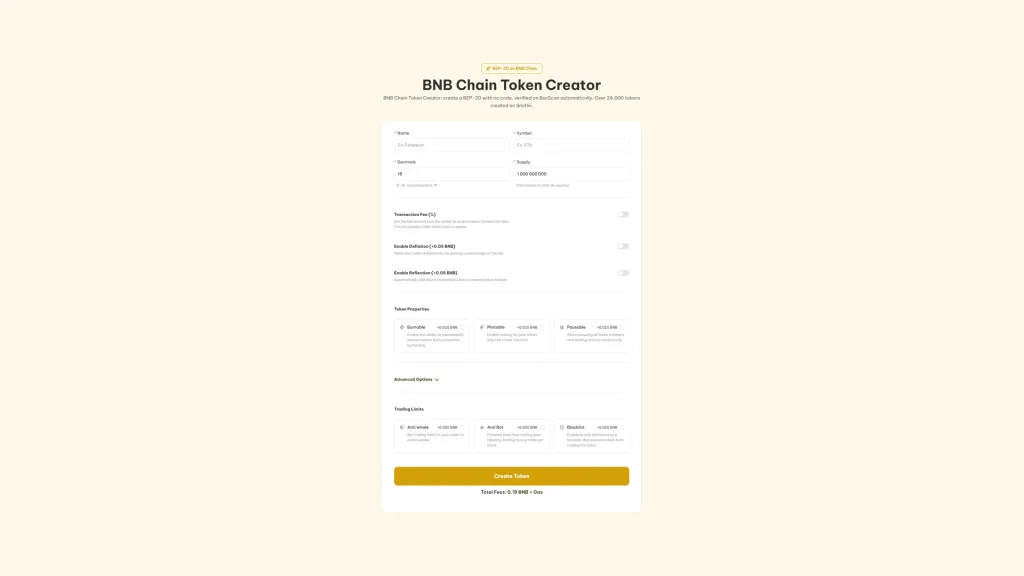
If you already have one of these wallets installed and some BNB for gas, follow these steps:
- Open the tool: head to the BNB Chain tool you need, for example the Token Creator.
- Click Connect Wallet: the wallet selector opens on the EVM networks tab.
- Pick your wallet: the ones you have installed show up as detected. On mobile, the selector opens the app.
- Approve the connection: if your wallet is on a different network, the tool will prompt you to switch to BNB Chain before signing.
If the connection fails, the tool will let you know so you can check that the extension is installed and unlocked. With Ledger, connect it first to MetaMask or Rabby and then pick that wallet in the selector.
Once your wallet is ready, continue with our step-by-step guide to create a BEP-20 token.
Which wallet BNB Chain to pick based on what you’re doing
There’s no single wallet that wins across the board. The right pick depends on what you’ll use it for, and these are the most common scenarios.
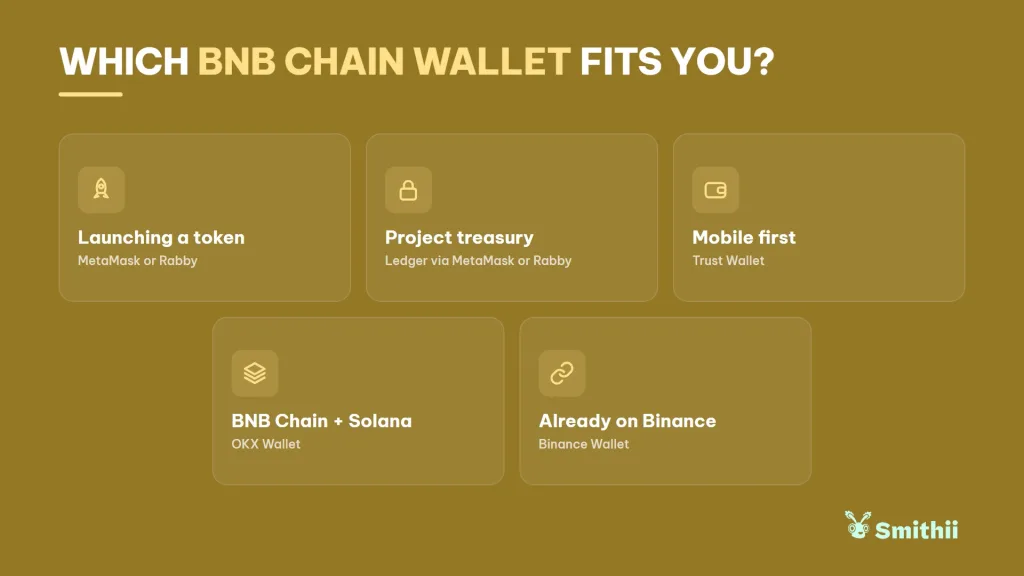
- You’re launching a token: MetaMask or Rabby in the browser, since they connect to Smithii Tools and any dApp on BNB Chain. Rabby also adds transaction simulation before signing.
- Holding the project treasury: Ledger, used through MetaMask or Rabby, so the keys never touch the computer.
- Trading from mobile: Trust Wallet, with BNB Chain ready out of the box.
- Switching between BNB Chain and Solana: OKX Wallet, which covers both networks from a single install.
- You already use Binance: Binance Wallet to move funds from the exchange to the chain, though for Smithii Tools you’ll need a different one.
Many devs end up combining two. A hot wallet for daily operations and a hardware wallet for everything that doesn’t get touched, with the treasury kept separate from the wallet that signs launches.
If your plan is to launch on the most-used launchpad on the network, check out how to create a meme coin on Four.meme.
FAQ
What’s the best wallet BNB Chain to create a token?
To create a token with Smithii Tools, MetaMask and Rabby are the most convenient options, since they run in the browser and connect directly to the Token Creator by BNB Chain. If you’re going to hold meaningful funds, pair them with a Ledger.
Can I use Binance Wallet with Smithii Tools?
Right now it doesn’t show up in the Smithii wallet selector. You can still use it to hold and move funds, and connect any of the seven supported wallets to the tools.
Does my wallet Ethereum work on BNB Chain?
Yes. BNB Chain is EVM-compatible, so your wallet Ethereum uses the same address on BNB Chain. You just need to enable the network in your wallet and have BNB to pay for gas.
Do I need BNB on wallet to use BNB Chain?
Yes. Every transaction on the network is paid in BNB, including the ones you sign in dApps and Smithii tools. Without a bit of BNB you won’t be able to approve, send, or create anything.
Is a hardware wallet safer than a browser wallet?
For storing funds, yes. On a hardware wallet the keys never leave the device, while a browser wallet keeps them on a machine connected to the internet. For day-to-day activity the second one is more practical, which is why most people run both.
Final thoughts
Once you’re clear on what you want to do, picking from the best BNB Chain wallets is straightforward. For trading and launching from the browser, MetaMask and Rabby cover almost everything, Trust Wallet handles mobile, and Ledger keeps the serious bags safe.
If your goal is to create and manage your own token, pick one of the seven wallets that connect to Smithii Tools and you’ll have everything on hand, from the Token Creator to the liquidity and airdrop tools for the network. For the full walkthrough, check out our definitive guide for devs on BNB Chain.

Content creator and SEO contributor at Smithii. Systems Engineering student and crypto-tech enthusiast.



