
Polygon
How to Use the Polygon Volume Bot
How to Use the Polygon Volume Bot to Boost Your token’s Volume When you use a Polygon Volume Bot, your meme coin or token on this network becomes much more … Leer más
How to Remove Liquidity on Polygon

How to Remove Liquidity on Polygon (Uniswap): Quick Guide In this post we’ll show you how to remove liquidity on Uniswap on the Polygon network in just a few seconds, … Leer más
How to take a snapshot of holders on Polygon

How to Take a Snapshot of Holders on Polygon: A Guide for Project Creators A holders snapshot on Polygon is the full list of wallets holding a specific token at … Leer más
How to Run an airdrop on Polygon

How to Run an airdrop on Polygon: Step-by-Step No-Code Guide Polygon Multisender is a dApp for running airdrops that lets you send your tokens on the Polygon blockchain to multiple … Leer más
How to create meme coin on Polygon

How to Create Meme Coin on Polygon: Full No-Code Guide We’re going to walk you through how to create a Meme Coin on Polygon as fast as possible, with no … Leer más
Anti-whale Tool for Polygon
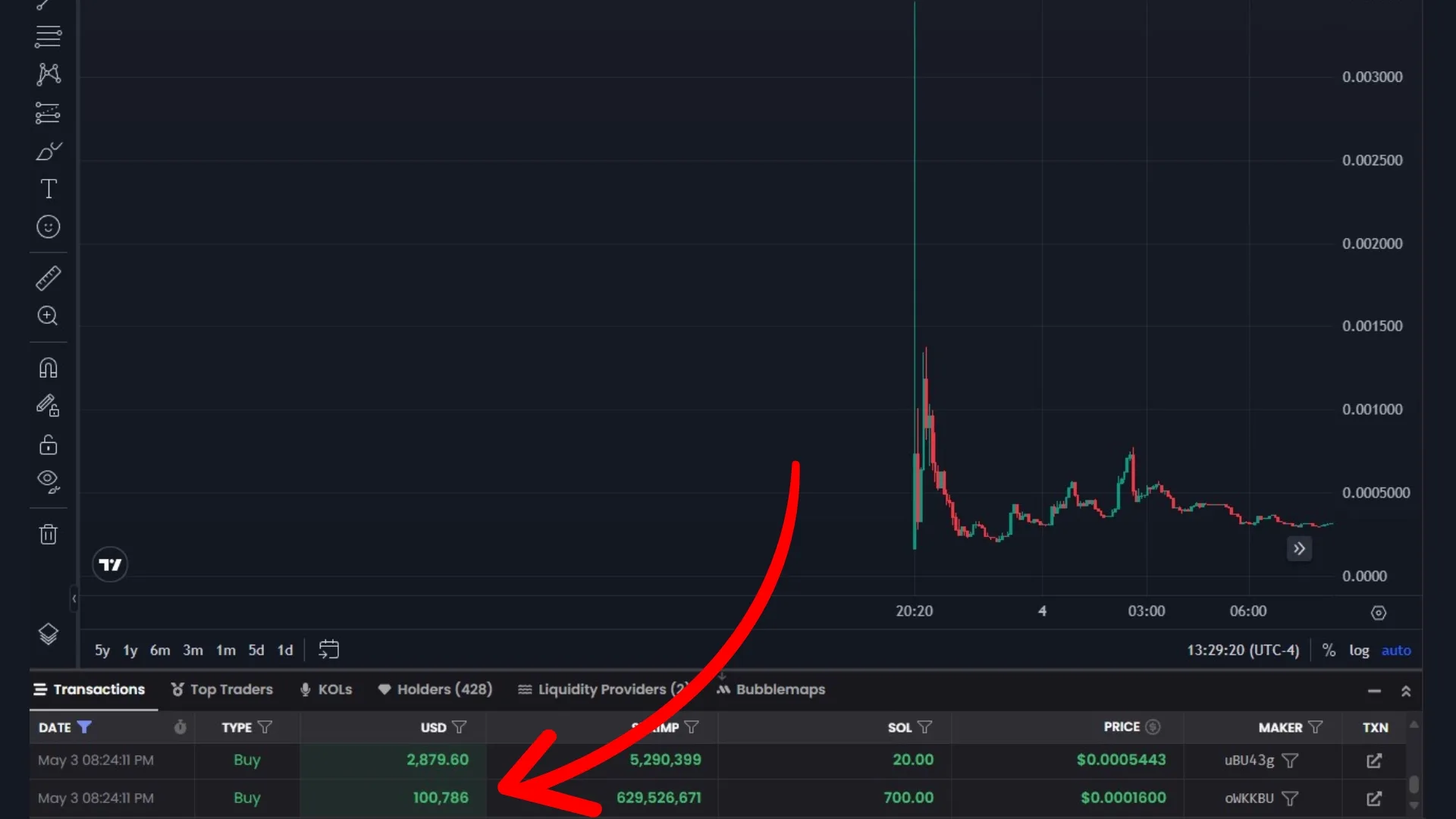
Anti-whale Mechanisms in Polygon: Prevent pump and dump In crypto, “whales” are individuals or entities that hold large amounts of a specific token. Whales can bring certain advantages. Many token … Leer más
Stop sniper bots on Polygon
Anti-bot mechanisms on Polygon: How to stop snipe on my Token When we launch our token on Polygon (formerly MATIC), one question always comes up: how many bots will try … Leer más
How to create a Token on Polygon and keep gas below one cent

How to create a Token on Polygon and keep gas below one cent If you want to create a token on Polygon, the pitch is simple: it’s a standard ERC-20 … Leer más

