










How to Create a Cryptocurrency Without Coding: 5-Step Guide With Smithii
If you’re looking to create a cryptocurrency, you no longer need to write a single line of code. With a no-code dApp like Smithii, it comes down to making the right decisions (especially around the blockchain) and filling out a form with your token parameters to deploy.
This guide walks you through how to make your own cryptocurrency without writing a single line of code. First, you’ll get clarity on which blockchain to choose (each one differs in cost, speed, ecosystem, and more). Once you’ve picked a network, we’ll move into the 5-step walkthrough.
Read through to the end to get the full picture.
Picking the Right Blockchain (the Most Important Decision)
Technically, you have two options for creating your own crypto: building your own blockchain (or forking an existing one) or launching the token on an established blockchain.
Building your own network gives you full control to implement custom standards, but it’s a far more complex undertaking. To keep things practical, we’ll focus on deploying the token on an existing blockchain.
Your blockchain choice shapes everything about your cryptocurrency: fees, transaction speed, compatible wallets, DEXs, and even the community you’ll be targeting.
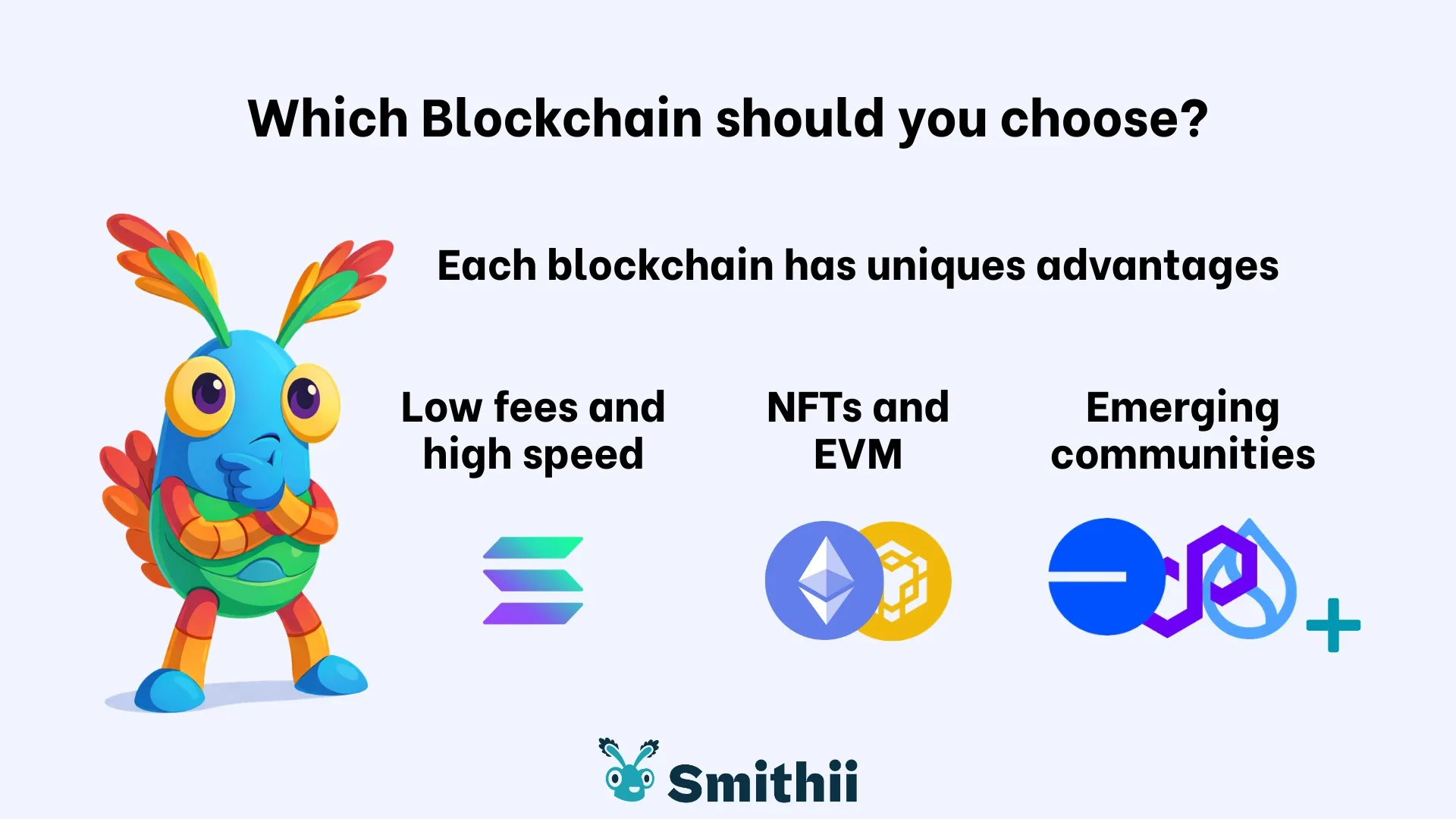
While Smithii supports 11 blockchains, here’s a practical comparison of the most popular blockchains for creating cryptocurrencies.
Solana (SPL Tokens)
- Low fees and a fast network (transactions confirm in seconds)
- Highly active ecosystem (heavy concurrent usage across the board)
- Mixed environment (DeFi, NFTs, and memecoins)
You can also add a per-transaction tax on your cryptocurrency by using the SPL-2022 standard. We have an article breaking down the differences between token SPL and 2022.
Ethereum (ERC20)
- Rock-solid tooling (compatible with the vast majority of dApps)
- Higher gas fees (especially during congestion, which happens more often than you’d expect)
- Better suited for NFT projects
BSC (BEP20)
- Generally low fees and fast transactions
- Retail-focused ecosystem (users who are actively buying, selling, and moving tokens)
- Great fit for tokenized projects
If you want to dig deeper into the differences between Ethereum and BNB Chain tokens, we have a dedicated post covering exactly that.
Base (L2 on Ethereum)
- Cheaper than Ethereum mainnet
- EVM Compatible
- Ethereum ecosystem with better fees (and growing fast)
If you already have an established community on a specific blockchain, your best move is to replicate your token on that same chain.
What you need to create a cryptocurrency
Before you do anything, nail down your token’s parameters and make sure your wallet has enough funds to cover fees.
Those parameters include:
- Name and symbol: the identifiers for your crypto
- Supply: total number of tokens in existence
- Decimals: determines the smallest possible unit
- Metadata: links to your token’s public channels and communications
- Image: your coin’s visual identity.
Once you have everything defined, make sure your wallet has enough funds for fees. If you chose Solana, you’ll need a wallet on Solana. You’ll use its native currency ($SOL in this example) to cover network fees, plus Smithii fees to create your cryptocurrency without writing any code.
If you’re launching a memecoin, check out our guide to picking the right ecosystem for your meme coin.
How to create your own cryptocurrency: step by step
On Smithii, the flow is nearly identical across chains. We’re using the Solana Cryptocurrency Creator as our example, but the experience is the same on every supported blockchain. Pick your chain, set your parameters, confirm the creation.
Once you’re inside dApp, here’s what to do:

- Pick your blockchain: use the dropdown in the top-right corner.
- Connect your wallet: our dApp has been audited and is fully secure.
- Head to the Token Creator: click ‘Token Creator’ in the left sidebar to start customizing your coin.
- Set your crypto’s details: fill in the name, symbol, decimals, supply, description, and so on.
- Confirm the transaction: click ‘Create Token’ and approve the transaction from your wallet.
That’s it. Your cryptocurrency will be live in minutes or seconds, depending on the chain you pick. Optionally, you can also take advantage of extras like authority revokers on Solana, or the Anti-bot, Anti-whale, and Airdrop Mode options for EVM chains, available on Smithii.
What’s next after you create your crypto?
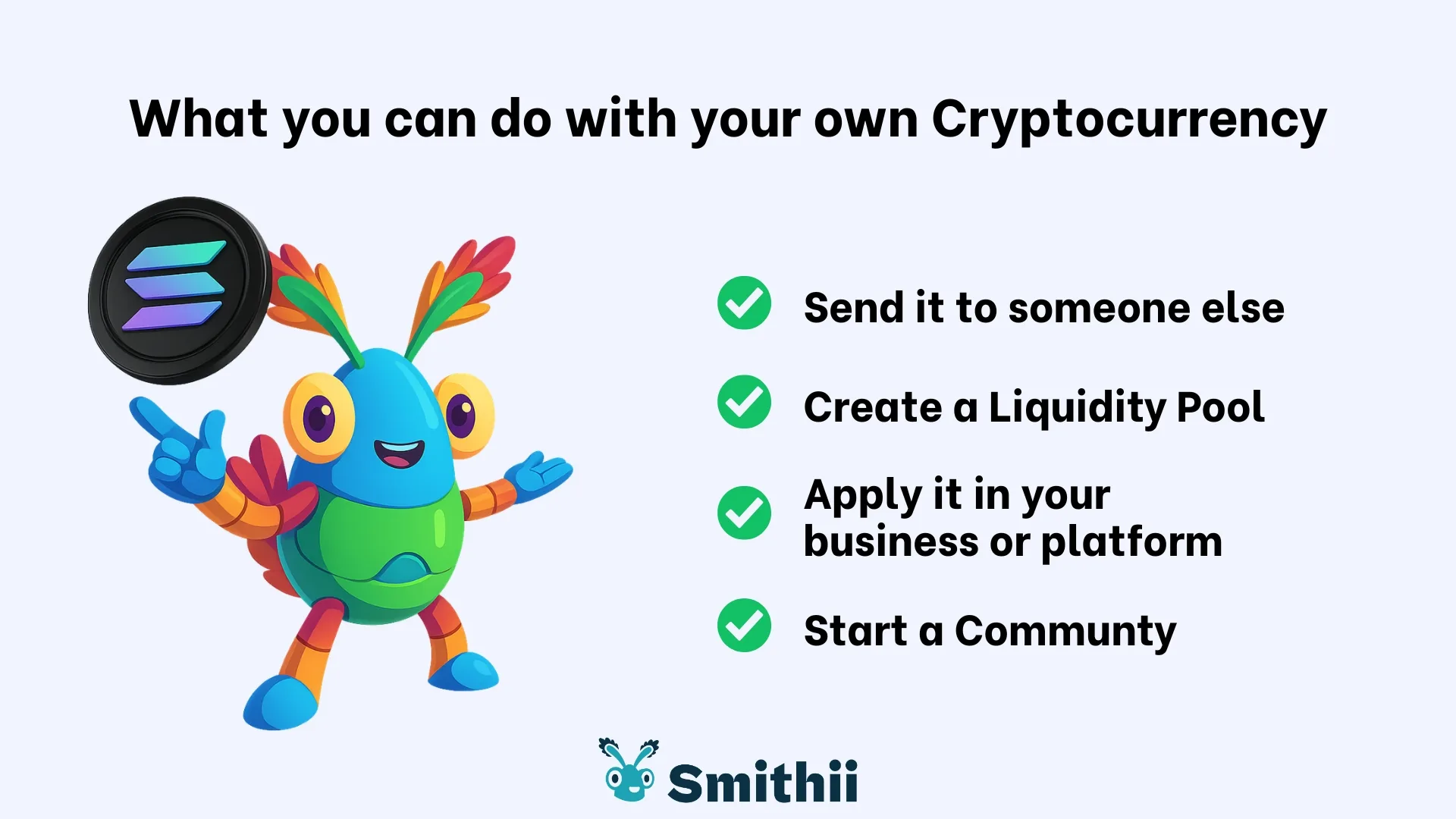
Now that you know how to create a cryptocurrency, launching it is just the first step. Think of it like printing your own custom coin: no one knows it exists, it has no use, and it can’t be traded.
To get your coin trading on exchanges, you need to create a liquidity pool. This is a reserve that pairs your token with another token that already has value. Typically the blockchain’s native token: $ETH for Ethereum and L2s, $SOL for Solana, $BNB for BSC… and so on.
Without a liquidity pool, your coin has no value. You can send it to someone or use it for things like token gating, but no one will be able to buy or sell it.
We have a guide to creating liquidity pool on Uniswap, the most established DEX in the EVM ecosystem, plus a tutorial on creating a liquidity pool on Raydium. Both use Smithii tools.
FAQ
Creating a cryptocurrency is straightforward, but questions come up once you’ve deployed your assets. Here are answers to the most common ones.
How hard is it to create a cryptocurrency?
No-code tools like Smithii let you create a cryptocurrency quickly and with minimal friction. No technical background required.
How much does it cost to create a cryptocurrency?
It depends on the blockchain and features. On Solana, for example, it costs 0.3 $SOL plus minimal network fees. On Ethereum and several L2s, it’s 0.01 $ETH. On BSC, it’s 0.19 BNB.
Can I create a cryptocurrency for free?
You can create a cryptocurrency for free by writing your own code, deploying smart contracts, and running commands. It takes more work and preparation, but it’s entirely doable.
How much supply should my crypto have?
It depends on what you’re building. Memecoins typically run 1-10B tokens, while more serious projects tend to go with 1-100M. Check out our tokenomics design guide to build a solid strategy before your token goes public.
Conclusion
If you want to learn how to create a cryptocurrency without writing code, the simplest path follows a clear sequence: pick your blockchain based on cost, speed, and ecosystem; set the parameters for your token; and deploy with a no-code tool like Smithii through a guided flow.
Beyond the cryptocurrency creator on Smithii, we have more tools to help you get your project off the ground, whatever you’re building.

Content creator and SEO contributor at Smithii. Systems Engineering student and crypto-tech enthusiast.



