How to Do a Airdrop: Quick Guide for the Top Blockchains
Airdrops are a key tool for token creators and blockchain projects. They let you distribute tokens at scale to multiple wallets, often for marketing purposes, community rewards, or to drive growth.
In this guide, I’ll walk you through exactly how to run airdrops on the top blockchains and what it costs.
What is a Airdrop?
A airdrop is the process of distributing tokens to a large number of wallet addresses on a blockchain. It’s commonly used for marketing campaigns, community rewards, or to hand out a project’s tokens as incentives. With the right tools, you can run a airdrop quickly, safely, and without writing any code.
How to do a Airdrop blockchain by blockchain
Below, you’ll find step-by-step guides for each blockchain, tailored to their specific requirements, tools, and costs.
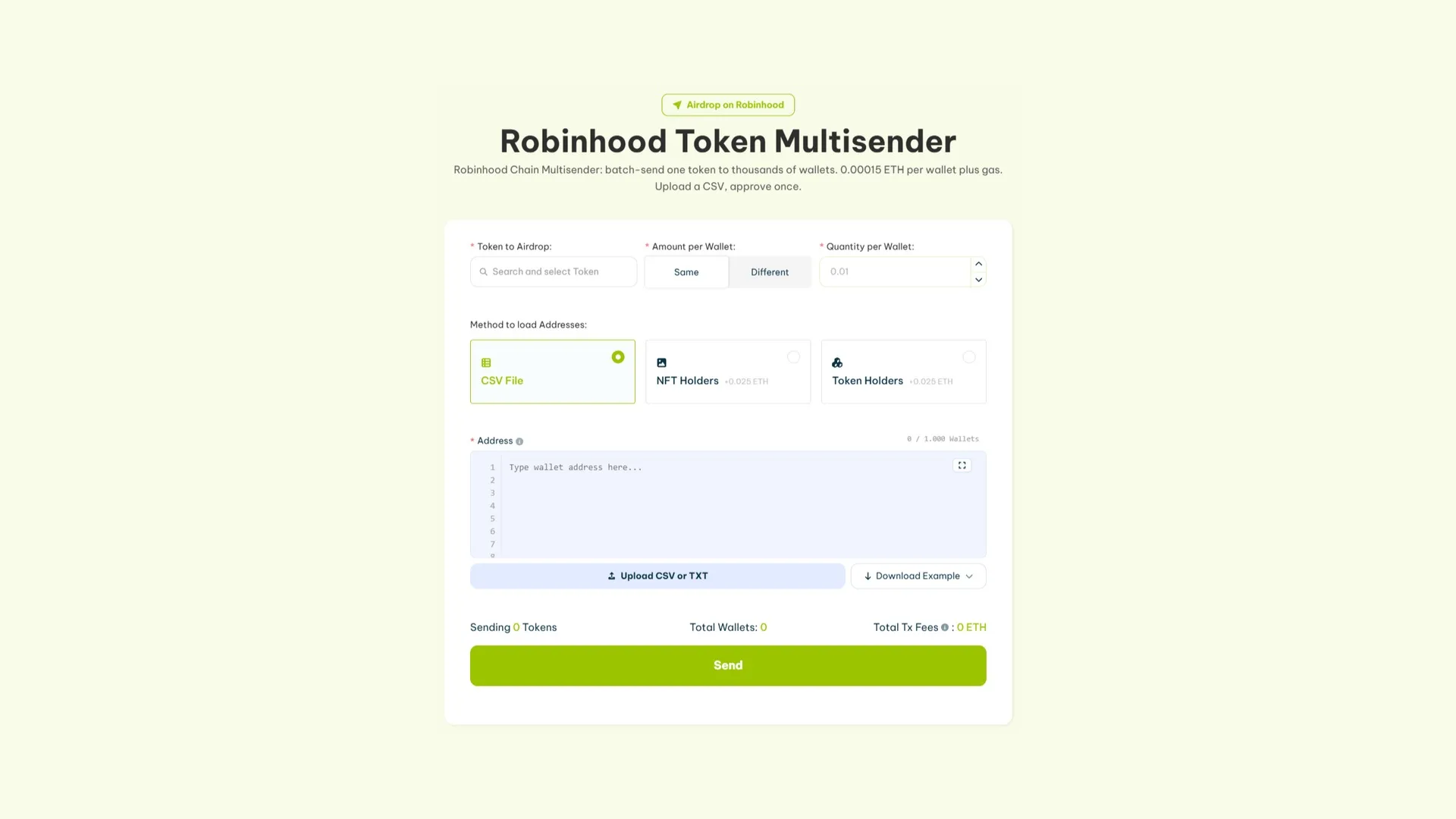
Robinhood Chain runs like any other EVM network, so the flow is identical to Ethereum and the cost per wallet is the same. You’ll need ETH on the chain to cover the fee and gas.
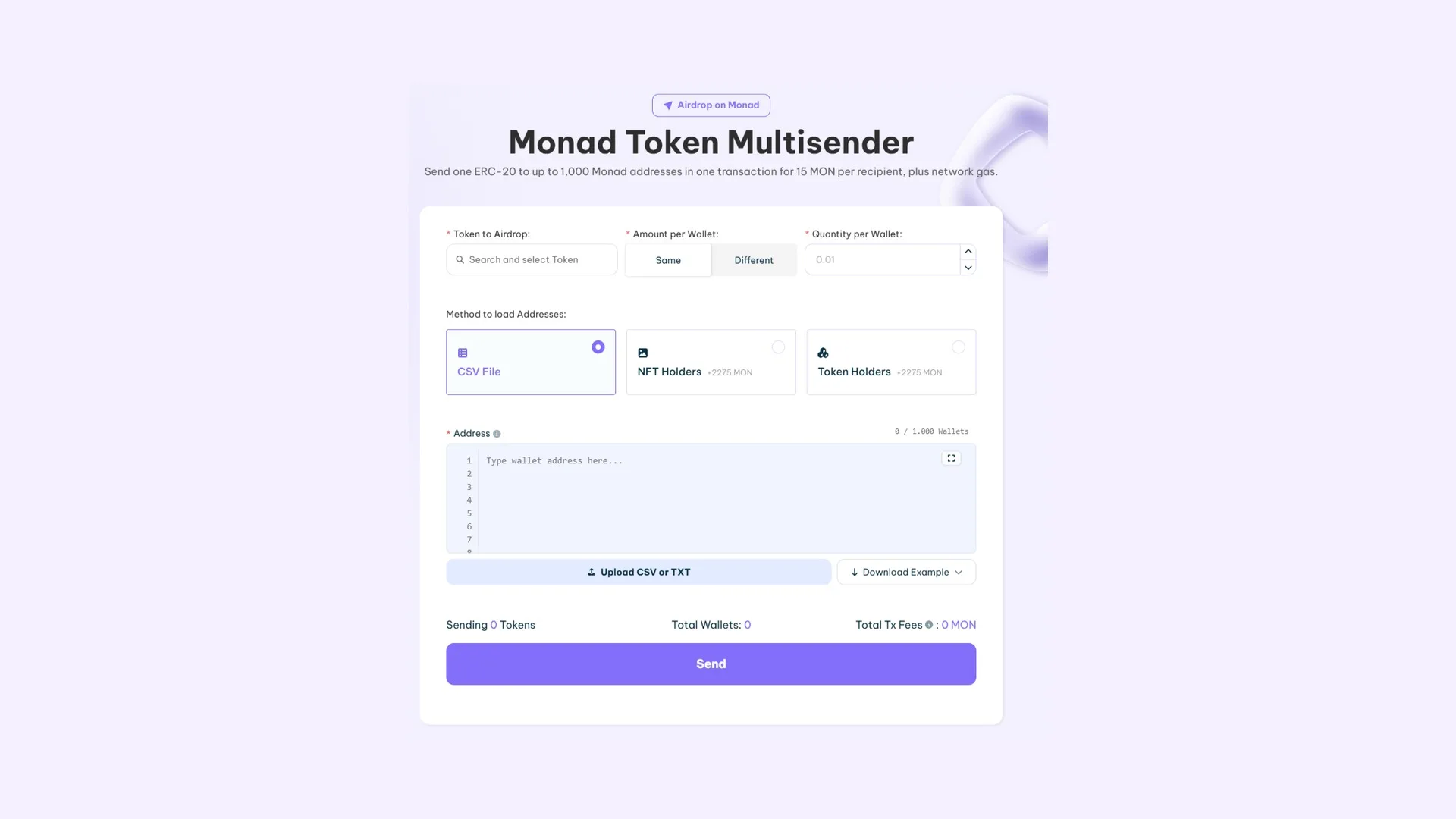
On Monad, each send bundles up to 1000 addresses into a single transaction. The fee is charged per recipient, so the total scales with the size of your list. Worth calculating before you lock in the file.
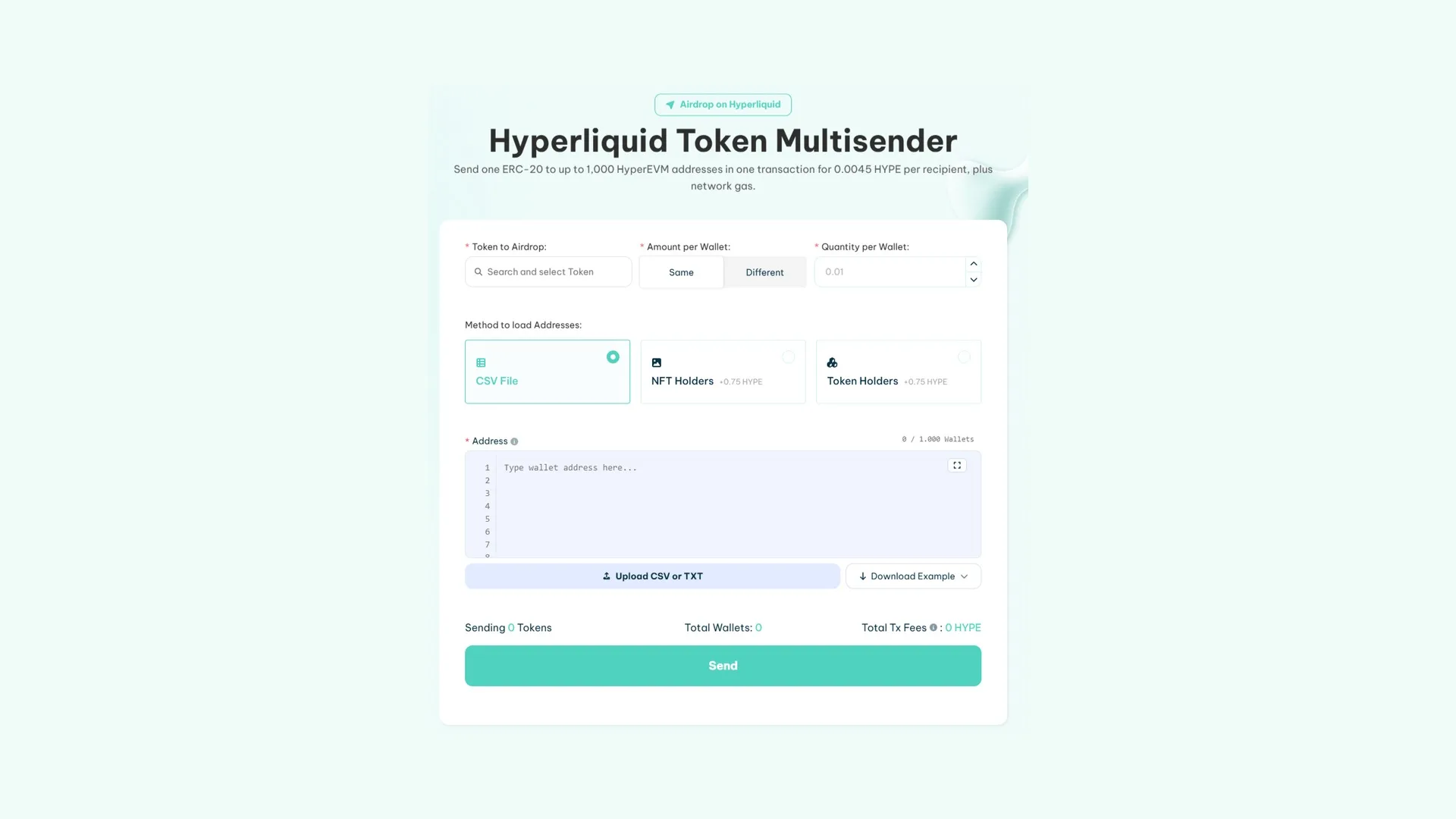
The Hyperliquid multisender runs on HyperEVM and also supports up to 1000 addresses per send. Keep in mind it distributes ERC-20 tokens: to send out the native asset you first need to wrap it into WHYPE.
Make sure you have enough HYPE for the fee and gas, plus the token you’re about to distribute.
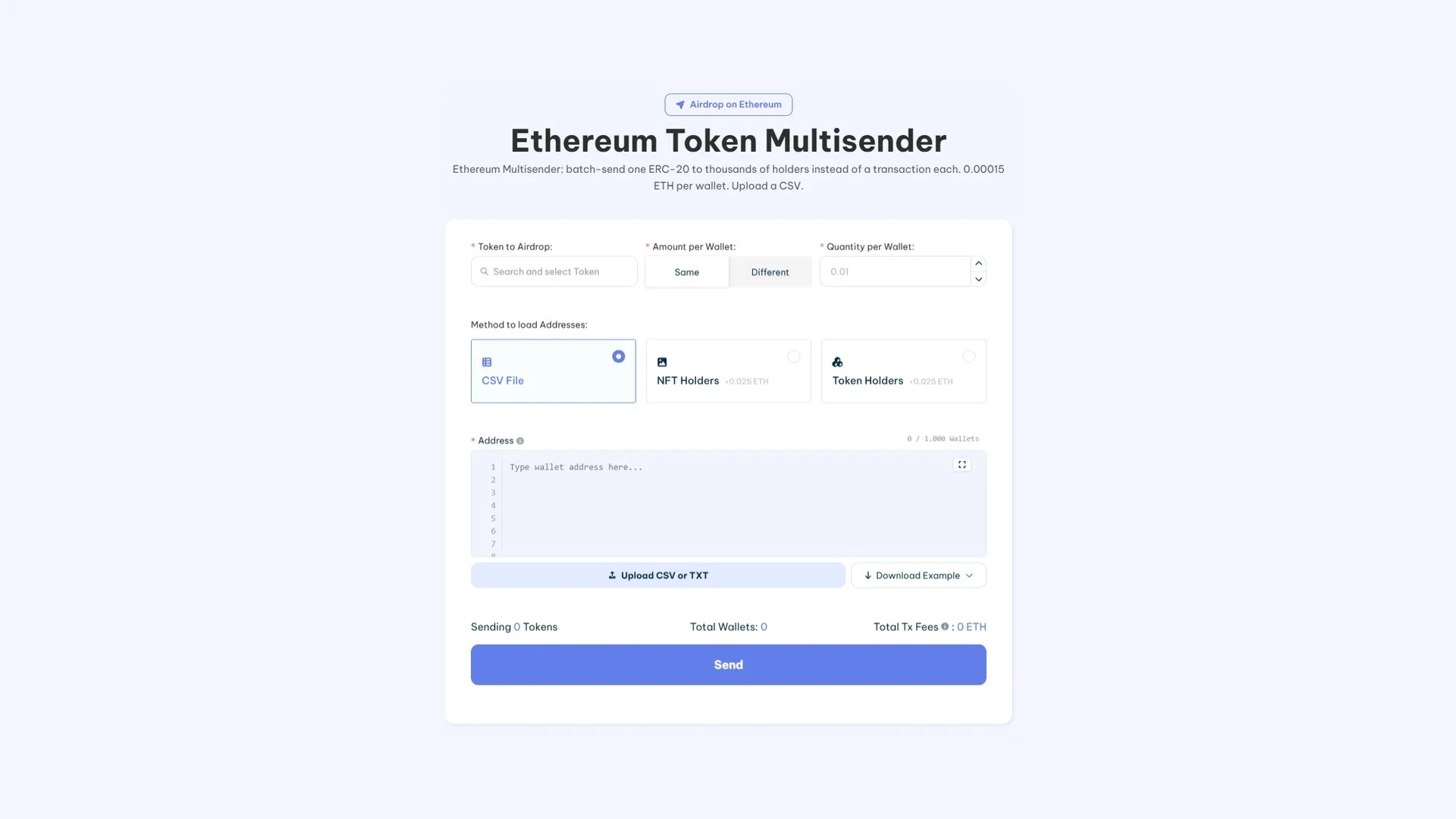
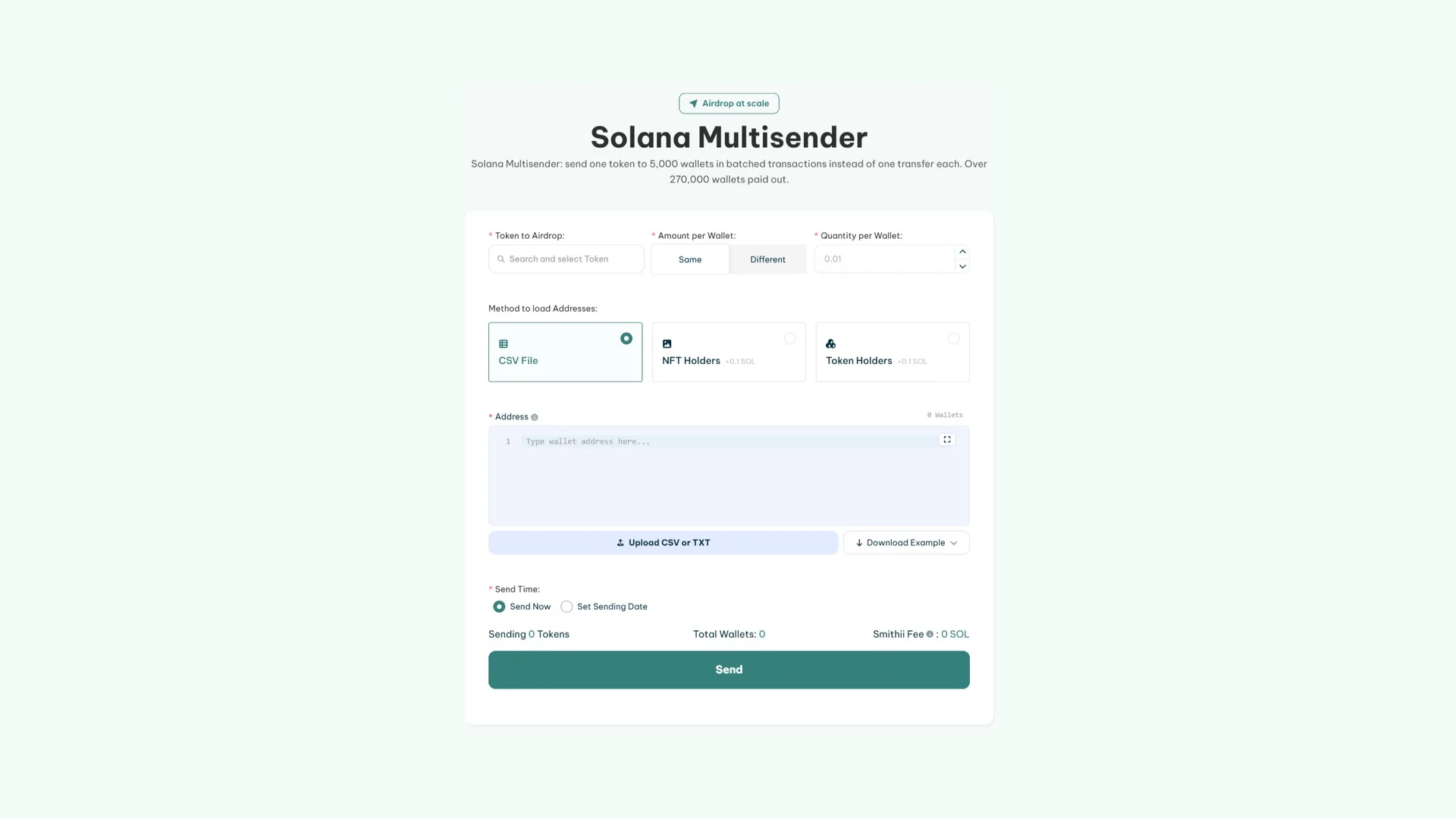
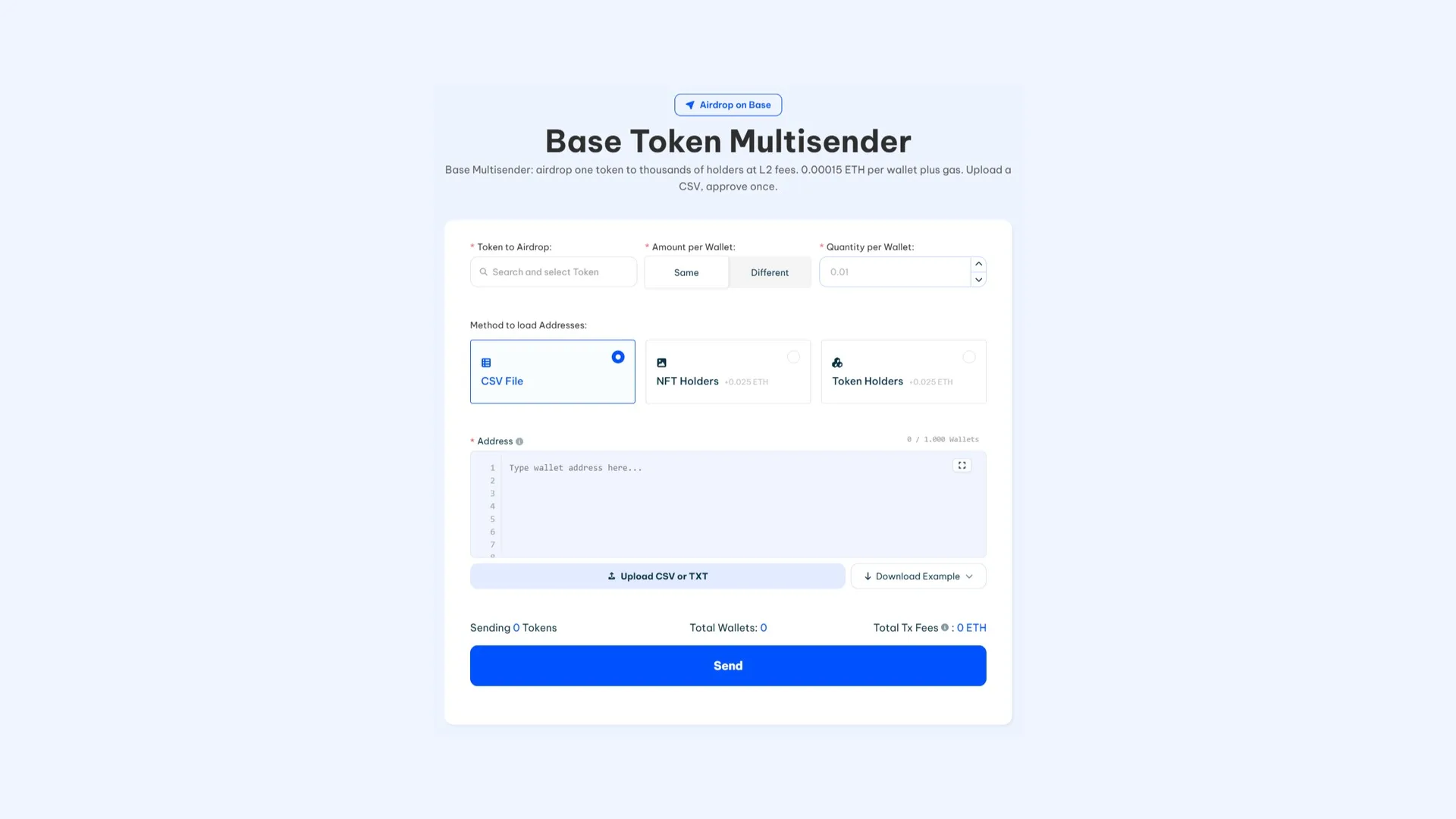
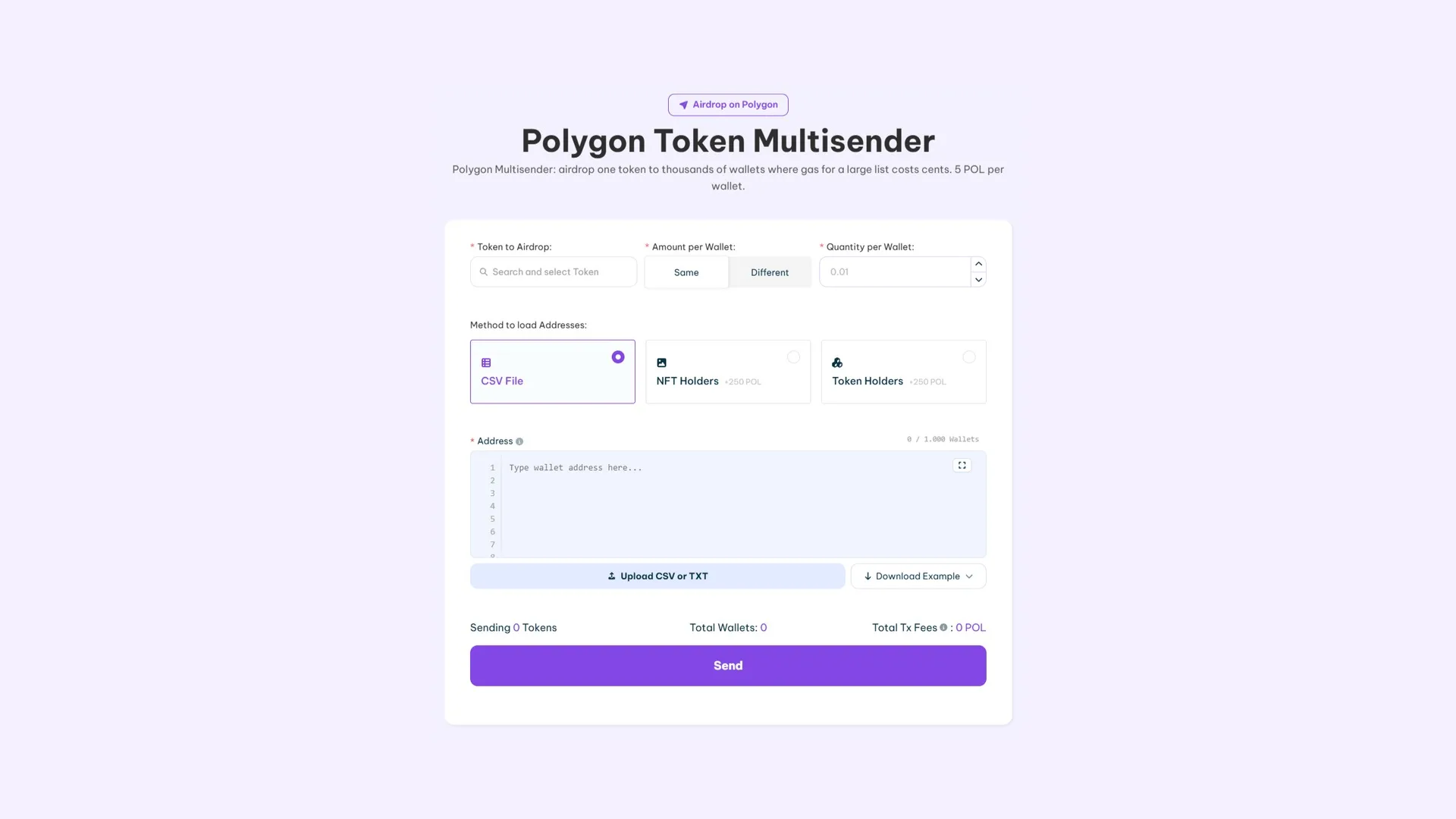
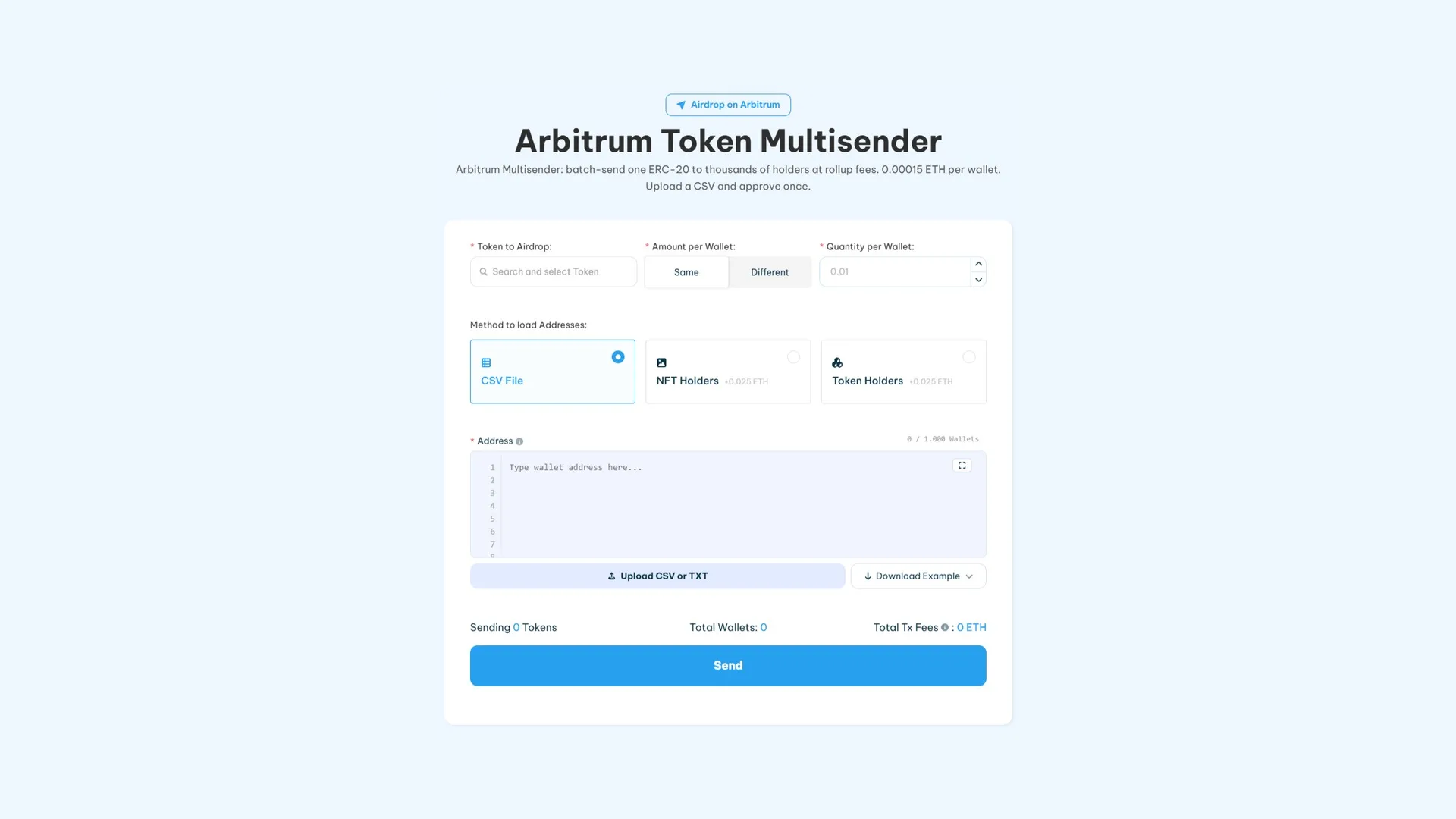
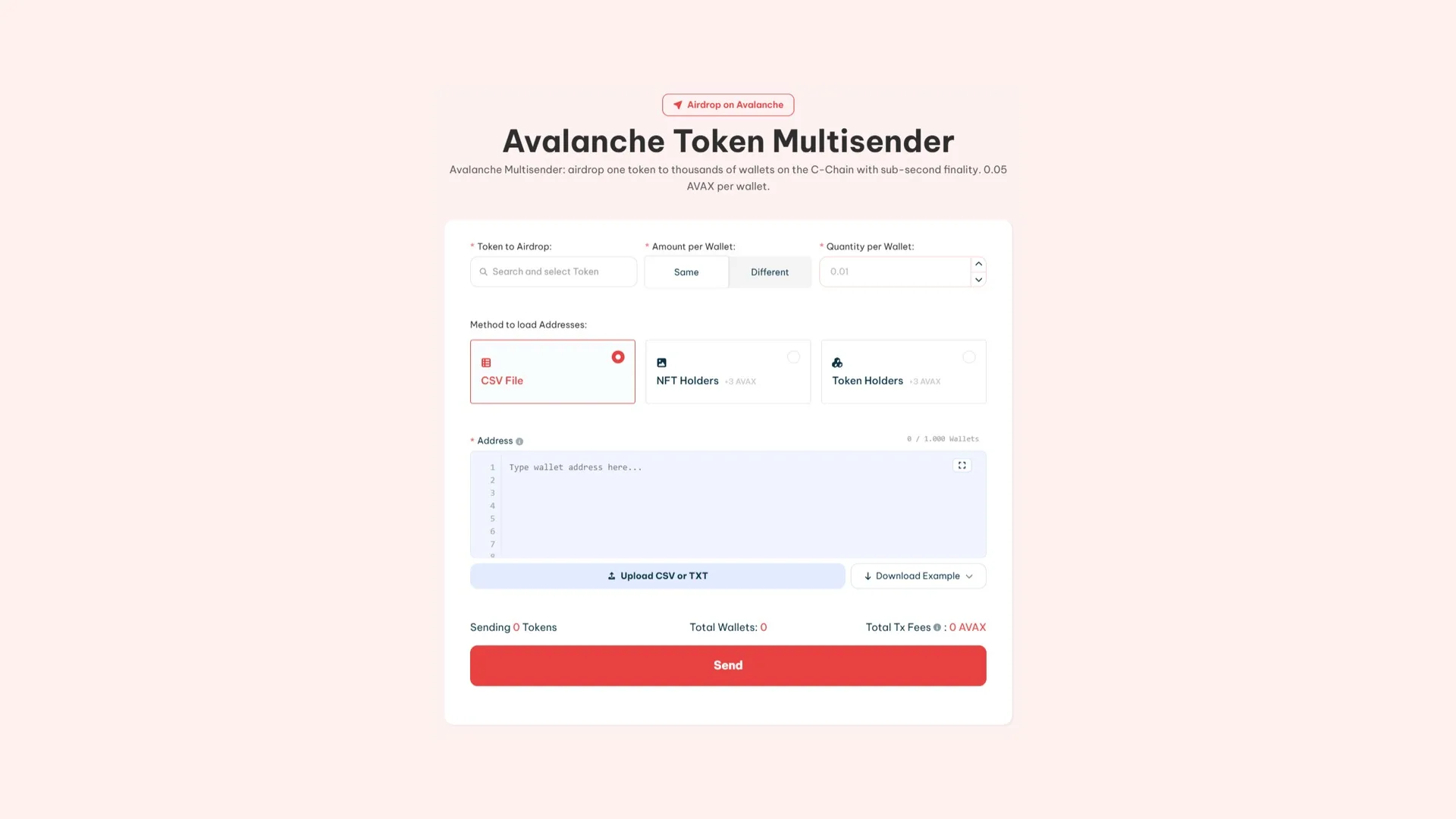
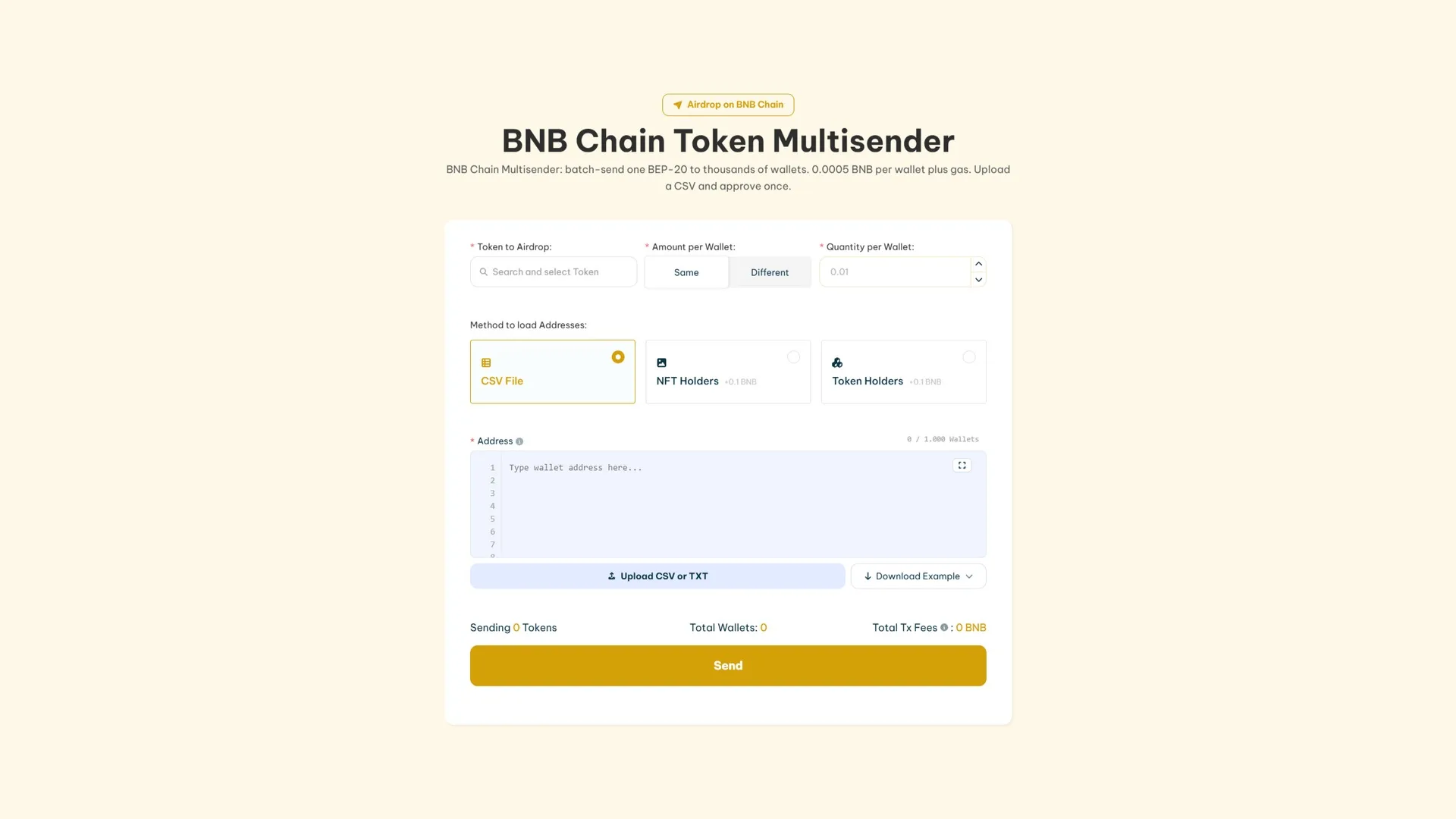
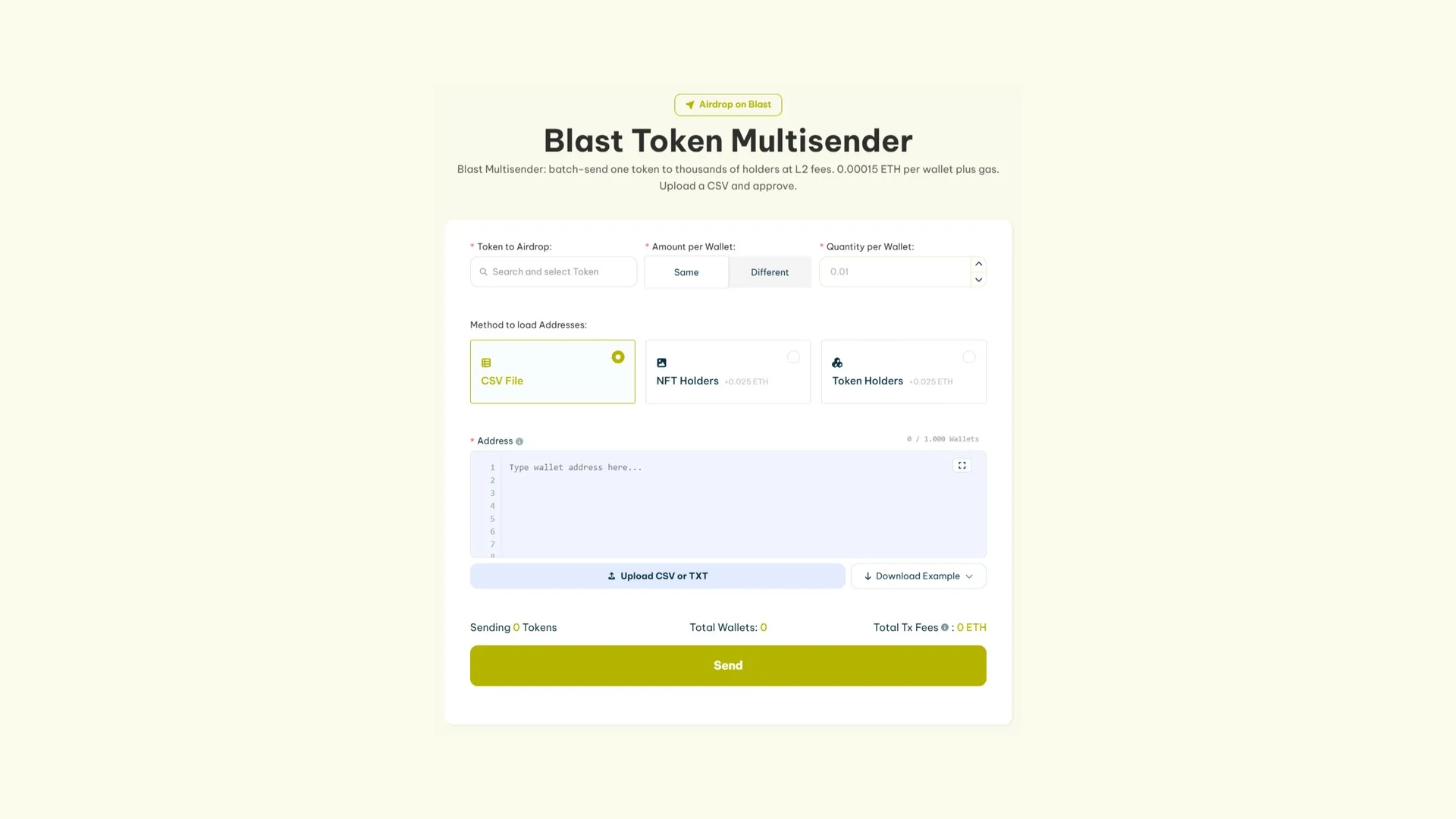
Pick the token under ‘Token to Airdrop’ and choose whether every wallet gets the same amount or different amounts.
Load the addresses: upload a CSV or TXT, type them in manually, or let the tool pull holders from a token or a NFT collection.
Review the wallet and fee summary before signing.
Hit ‘Send’ and approve the transaction in your wallet to fire off the airdrop.
How much does it cost to run a Airdrop
The table below breaks down the cost of running a airdrop per wallet across different blockchains:
Blockchain
Cost per wallet
Ethereum
0.00015 ETH + gas fees
Solana
0.001 SOL + gas fees
Base
0.00015 ETH + gas fees
Polygon
5 POL + gas fees
Arbitrum
0.00015 ETH + gas fees
Avalanche
0.05 AVAX + gas fees
Binance Smart Chain (BSC)
0.0005 BNB + gas fees
Blast
0.00015 ETH + gas fees
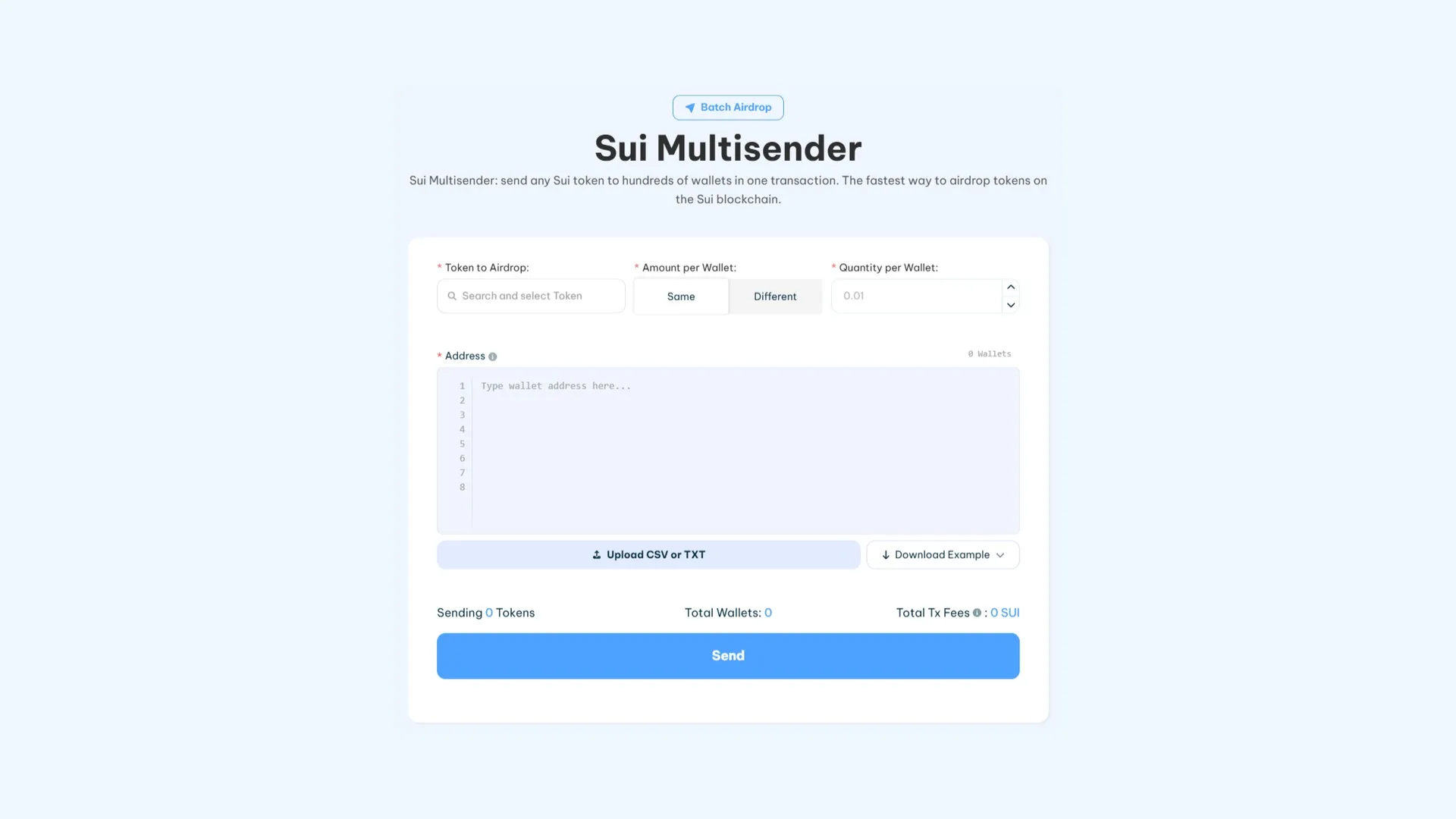
Sui
0.5 SUI + gas fees
Robinhood Chain
0.00015 ETH + gas fees
Monad
15 MON + gas fees
Hyperliquid
0.0045 HYPE + gas fees
Conclusion
With tools like Smithii Multisender, you can distribute tokens safely without touching a line of code. Whether you’re on Ethereum, Solana, or any other blockchain, these step-by-step guides cut through the process and help you reach your community effectively.
How useful was this post?
Click on a star to rate it!
Average rating 0 / 5. Vote count: 0
No votes so far! Be the first to rate this post.
As you found this post useful...
Follow us on social media!
We are sorry that this post was not useful for you!