The Ultimate Dev Guide to TRON: build and launch your TRC-20 with no code

Energy, TRC-20, and SunSwap explained from scratch, with a no-code tool for every step of the launch
Your token project on TRON, from start to finish
TRON is one of the networks moving the most USDT every single day, and this ultimate dev guide to TRON shows you how to launch your own token on it without writing a line of code. It starts with what sets TRON apart from EVM networks and walks you phase by phase all the way to listing, with detailed guides that help you navigate the TRON ecosystem without getting lost.
What does this ultimate guide cover?
- Setup: TronLink, the TRX you’ll need, and how Energy works.
- The TRC-20 standard: what your token actually is and who can touch the contract.
- Pre-launch: holder lists and batch distribution.
- Liquidity on SunSwap: the pool that puts your token up for sale.
- Post-launch: listings and the trust signals buyers actually check.
Why launch a token on TRON?
For the community and for the cost. TRON has a massive user base already moving USDT daily, and its resource model makes many operations dirt cheap, or even free, if you have enough Energy.
On the technical side, TRON runs its own virtual machine, the TVM, compatible with the same code that Ethereum contracts use. Tokens follow the TRC-20 standard, the equivalent of Ethereum’s ERC-20, so what you already know carries over with almost no changes.
From tool to chain, no coding required
Every phase of a launch on TRON goes through a smart contract, and writing or auditing one takes experience. Smithii’s tools handle each phase from a visual interface, where you connect your wallet and sign the transaction.
The Smithii suite for TRON brings together every tool covered in this guide. They are audited tools and your funds never pass through our hands at any point.
1. Setup: TronLink, Energy, and tokenomics
What is Energy and why do you need it on TRON?
Energy is the resource that smart contracts consume on TRON, the equivalent of gas on other networks. You can get it by freezing TRX or by paying its TRX equivalent on the spot, which is why some operations come out free and others don’t.
Alongside Energy there’s Bandwidth, which covers the size of each transaction. To launch a token you don’t need to master both, just keep TRX in your wallet for each tool’s fee and for the Energy it consumes.
Pick your wallet for TRON
TronLink is the network’s go-to wallet, though Trust Wallet or any WalletConnect-compatible option works too. TRON addresses start with T, a handy detail to avoid mixing them up with EVM ones.
Why plan your tokenomics before deploying?
Because the supply and initial distribution are baked into the contract and show up on the explorer from minute one. Tokenomics is the plan that structures those numbers: how much exists, who it’s for, and when it unlocks. It’s the first thing an investor checks.

How to design your tokenomics
Working out the split before you deploy saves you from fixes that become impossible later. If yours isn’t locked in yet, this guide walks you through it.
2. The TRC-20 standard
What sets a TRC-20 apart from an ERC-20?
Under the hood, very little. A TRC-20 is a contract that tracks balances and handles transfers with the same logic as an ERC-20, but it lives on TRON and runs on its own resources, Energy and Bandwidth, instead of gas.
The real difference is the ecosystem. The wallets, explorer, and DEX are TRON’s, so your token shows up in TronLink and trades on SunSwap, not on Ethereum tooling.
How to create a token on TRON
Your TRC-20 comes to life the moment you deploy the contract. Head into the guide to see every field of the tool and the extras you can plug in.
Who can modify a TRC-20 contract after it’s deployed?
Only the owner, the address the contract recognizes as authorized, and only through the privileged functions it includes, like minting more tokens or pausing transfers. If you deployed a basic TRC-20, that owner has barely any powers.
Renouncing ownership leaves the contract with no owner and freezes those functions forever. It’s a guarantee for holders, but it’s worth doing only once the project no longer needs changes.
How to renounce ownership of a token on TRON
Handing over control of the contract is a promise you can’t take back. Read this guide carefully before signing an action with no way back.
3. Pre-launch: holders and batch distribution
What’s a holders list good for before launch?
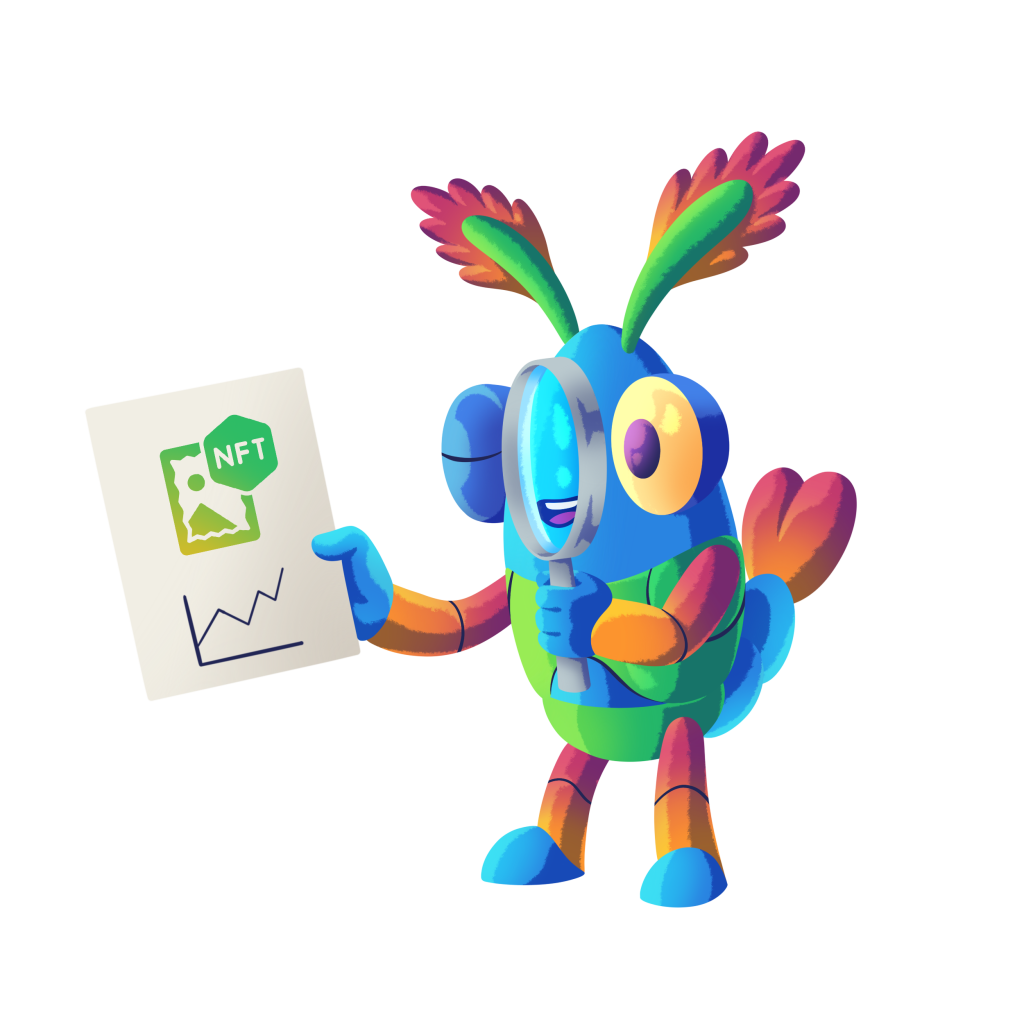
To know exactly where your distribution should land. A snapshot captures every wallet holding a TRC-20 or a NFT on TRON at a given moment, along with their balance, giving you a real base to build a airdrop, a whitelist, or an analysis of your own token.
For NFT collections, snapshot also adds how many pieces each wallet holds, which is handy when you want to reward people proportionally.
How to pull the holders list on TRON
A reliable holders list is the starting point for any well-planned distribution. Grab it on TRON with this guide, balances included.
How to pull the holders of a NFT on TRON
Behind every NFT there’s a wallet that already backed the project. See how to pull that list on TRON and what you can do with it.
What does batching the token actually give you?
It lets you reach hundreds of wallets in a single operation instead of signing hundreds of individual transfers, saving Energy and time in the process. It’s the practical way to turn a holders list into a real airdrop.
Done right, the distribution leaves the token spread out before it even has a price, something anyone can verify on the explorer and that builds far more trust than a concentrated supply.
How to run a airdrop on TRON
A properly executed mass send saves hours and Energy. Follow this guide to distribute your TRC-20 across hundreds of wallets in one go.

Why run a airdrop
Handing out free tokens only pays off when there’s a purpose behind it. This read helps you nail that down before moving a single TRX.
4. Liquidity pools on SunSwap
What role does SunSwap play in the launch?
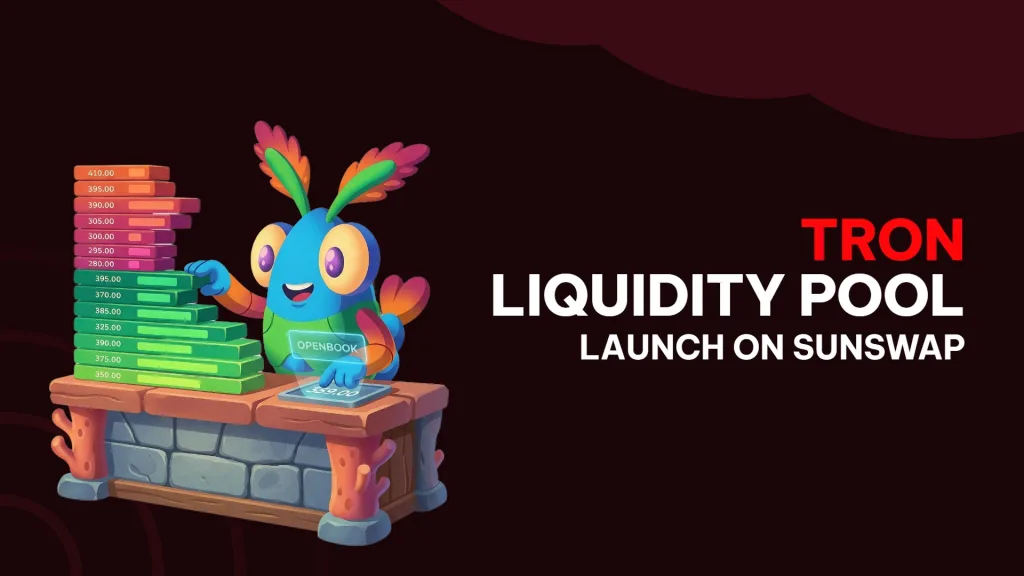
SunSwap is the go-to decentralized exchange on TRON and where your token gets an actual price. That’s where the liquidity pool is created, a pool holding your TRC-20 and another asset (usually TRX or a stablecoin) that anyone can buy or sell against.
The ratio is what matters. The relationship between the two amounts you deposit is the starting price, so deciding how much TRC-20 and how much TRX you put in is deciding what price your token opens at.
Why does pair depth matter?
Because it decides how much the price shifts with each trade. A thin pair reacts violently to any buy and that scares off newcomers, while a deeper one absorbs trades smoothly.
How to create a liquidity pool on TRON
Creating the pool is the moment your token hits the market. This guide walks you through what to pair it with on SunSwap and how to set the launch price.

How a liquidity pool works on Uniswap
SunSwap runs on the same automated market maker model as Uniswap. If you want to understand where your pair’s price actually comes from, start with this guide.

5. Post-launch: listings and trust
What does a buyer check before aping into your token?
First, that the project doesn’t show the typical signs of a rug pull: concentrated supply, an owner with wide-open powers, or a shallow pool. Knowing that checklist from the launcher’s side tells you exactly what you need to make clear.
Second, that the token shows up on the aggregators. A listing on CoinMarketCap or CoinGecko gives you a live price, history, and official links, and a lot of investors won’t touch it without that.

How to spot a rug pull
Looking at your project through the eyes of a skeptical buyer is the best exercise before launch. Here are the signals that draw the most scrutiny.
How to list your token on CoinMarketCap
Getting listed on CoinMarketCap boosts the trust of anyone finding your token. Check the full requirements and process in this guide.

How to list your token on CoinGecko
CoinGecko has its own submission form and its own requirements. Find out what to prepare so your request moves through without surprises.
Listing the token once the project has traction
Aggregator submissions are reviewed by hand, and a freshly deployed token with no pool and no activity stands almost no chance. The smart move is to wait until you’ve got liquidity in place, holders spread out, and some real movement on the pair.
Key takeaways from this guide
Your TRC-20, ready for the market
After this guide, you’ve got the full map of a launch on TRON. You know how Energy and Bandwidth work, what a TRC-20 is and who can touch it, how to distribute it from a holders list, what role SunSwap plays, and what your token needs to earn buyer trust.
Every card links to the full guide for that step, so use this page as your index whenever you move to the next phase.
What you get by using Smithii
- Not a single line of code anywhere in the process.
- Your wallet as the only key. No accounts to sign up for.
- Audited tools and a team with a name and a face.
- Every phase in one suite, from the TRC-20 to the listing.
- Guides and tutorials for every tool.
- 24/7 support if something doesn’t add up.
Join the Smithii Chad Crew
We’re on X, Telegram, Discord, and the newsletter, where we share what’s dropping on TRON and across the other chains. All the links are at the bottom of this page.