

How to generate volume for a token on Arc: keep your token active so it shows up on screeners
A token with no trades ends up buried under every other one on the screeners, which is why learning how to generate volume for a token on Arc is what gets your pair in front of people hunting for new projects. On Arc, your entire budget is denominated in USDC: the fee, the trading activity, and the gas, so you know exactly what you’re going to spend before you start.
In this guide I’ll walk you through what the bot actually does to your pool, the step-by-step with the Volume Bot from Smithii for Arc, how to budget a run in dollars, and what kind of pool you need for it to work. Let’s get into it.
What a volume bot does to your Arc pool
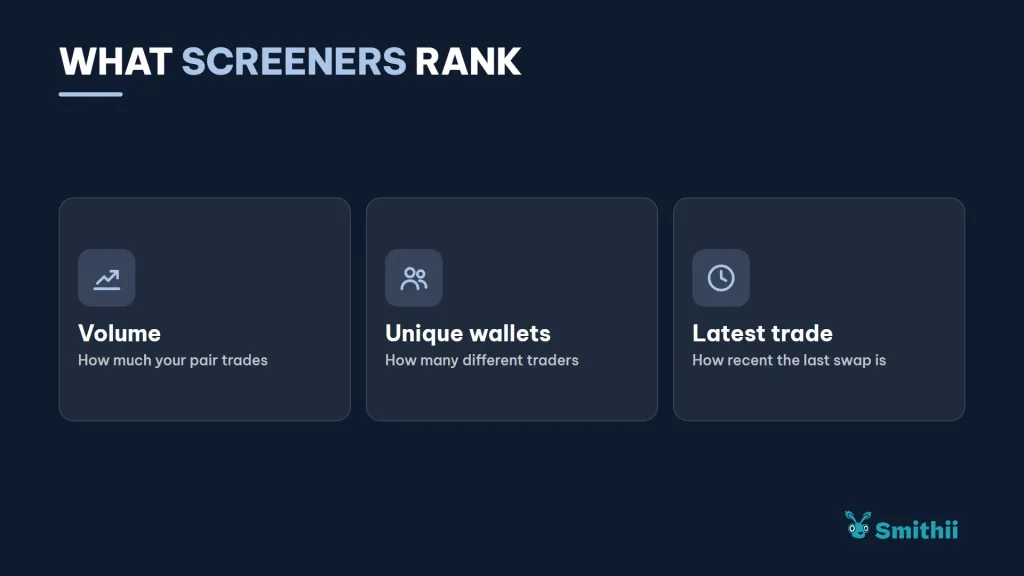
The bot spins up a batch of maker wallets funded from your deposit, and each one buys and sells your token against its Uniswap V3 pool. Screeners and aggregators rank tokens by volume, by how many unique wallets are trading, and by how recent the last trade was, and that activity is exactly what pushes a token up their lists.
Every trade is a real swap, signed and settled like any other, and shows up on the Arc explorer. When the run ends or you stop it, any unspent budget comes back to your wallet, so the deposit isn’t gone for good.
How to generate volume for a token on Arc step by step
The Volume Bot from Smithii for Arc is a tool that lets you fire real buys and sells of your token from many different wallets and track each one in a live log. You pick a goal, tune makers and budget, and the cost is quoted in USDC before you approve anything. When you open the tool you’ll see the setup form:

If your token already has a Uniswap V3 pool against USDC and you’ve got USDC to cover the fee and the trading, then you’re ready to follow these steps:
- Connect your EVM wallet to Arc: with enough USDC for the fee and the trading budget.
- Paste your token address: the ERC-20 that has a Uniswap V3 pool against USDC.
- Pick a goal: Boost Token, Target Price, or Advanced Bot, depending on what you want to achieve.
- Tune makers, budget, and duration: the estimated cost updates as you type.
- Approve the two transactions: the Smithii fee and the deposit that funds the maker wallets.
- Follow the live log: every buy and every sell shows up under the form with its explorer link.
From that point on the run is fully automated. In the log panel you can open each maker wallet and its swap on the explorer, and stop the bot whenever you want.
Boost Token, Target Price, or Advanced Bot
All three goals fill in the run’s parameters for you. Boost Token spreads the activity organically to rack up volume and makers. Target Price trades until the token gets close to a target price. Advanced Bot lets you set by hand how much to spend, how many makers to use, and over how many minutes, and it’s the pick for anyone who’s used a volume bot before.
How to read the log and the run history
Below the form, the log panel shows every transaction the run produces, in the order they confirm. Each line links to the Arc explorer, where you can open the maker wallet and check the swap one by one, with its amount and timestamp.
The history tab keeps your previous runs, so you can compare how much each one cost and how the chart reacted. It’s the best way to tune the next one: if a 100-maker run barely moved the needle against the volume you already had, the next run needs more makers or more duration, not a bigger budget per trade.
How to budget a volume bot in dollars
On other networks the cost depends on the price of a native token that’s moving while you sign. Not on Arc: all three line items are in USDC and add up with no surprises. If you’re short on USDC on Arc, you can bring it over with a bridge. The Smithii fee is calculated in blocks of 100 makers:
| Makers | Smithii fee | Plus |
|---|---|---|
| 100 | 7.5 USDC | Operating and gas deposit, in USDC |
| 500 | 37.5 USDC | Operating and gas deposit, in USDC |
| 1.000 | 75 USDC | Operating and gas deposit, in USDC |
The operating deposit pays for swaps and gas across the maker wallets. Part of it goes to the 1% fee the pool charges on every trade, which isn’t a Smithii fee but a Uniswap fee. If you’re the one providing liquidity to that pool, a good chunk of those fees ends up back in your own position.
If you want to pull those fees later, check how to withdraw liquidity and fees from your position on Arc.
Which pool the bot needs to trade on Arc
The bot works on Uniswap V3 pools against USDC, which is where tokens from Arc launchpads graduate and where the Smithii tool creates its pools. There are two cases worth being clear about:
- Argus tokens: they trade on Uniswap V4 pools with hooks, which take a different route. This tool doesn’t support them.
- Tolly tokens: these launch straight into a V3-style pool against USDC and have their own volume bot inside the suite.
If your token doesn’t have a pair yet, spin up the pool first and give it some depth. A bot running against a thin pool moves the price with its own orders, which produces a worse chart than having no bot at all.
For that there’s the guide on how to create a liquidity pool on Arc against USDC and, if you don’t have token yet, how to create your token on Arc.
What a volume bot won’t do for your token
The bot puts your token in front of people; whether they buy is a separate question, and that comes down to the project and everything around it. Treating a run as a substitute for a reason to hold the token is the most common way to waste your budget.
- It doesn’t create permanent holders: the maker wallets buy and sell within the same run.
- It doesn’t replace liquidity: it trades against your pool, so the pool has to exist and have depth.
- It doesn’t hold a price without demand: once the bot stops, the market goes right back to depending on real buyers.
The combination that works best is activity up front plus a community behind it. The bot gets you found; what keeps people around is the project itself.
FAQ
How much does the Arc volume bot cost?
The Smithii fee is 7.5 USDC per 100 makers. On top of that you deposit the operating budget, which covers swaps and gas in USDC, and whatever’s left goes back to your wallet when the run finishes.
Do I need a pool before using the bot?
Yes. The bot trades against a Uniswap V3 pool on Arc. The Uniswap V4 pools from Argus use a different route and aren’t supported by this tool.
Are the trades real?
Yes. Every buy and every sell is a real swap against your pool, signed by a maker wallet and visible on the Arc explorer. Nothing is simulated or reported to a chart without actually happening.
Can I stop the bot mid-run?
Yes, from the logs panel below the form. The schedule stops, the trades already made stay on-chain, and any unused budget goes back to your wallet.
Does the bot guarantee my token will trend?
No. The bot drives activity, but trending also depends on factors no tool can control, like your community or market interest at that moment.
Final thoughts
Once you know how to generate volume for a token on Arc, you can bring real activity to your Uniswap V3 pool with a fixed dollar budget, tracking every swap live and recovering whatever’s left when it finishes. The fee, the flow, and gas are all visible before you approve anything.
Use it as a way to get visibility, not as the project itself. A pool with real depth and a community with real reasons to buy are what turn that visibility into holders.

Content creator and SEO contributor at Smithii. Systems Engineering student and crypto-tech enthusiast.



